Pls bring the complete overview back? Saving and business and complete all on one page.
Chris
App Store
Issue physical and Digital Cards, set limits, and track business spending in real time, at home or abroad.
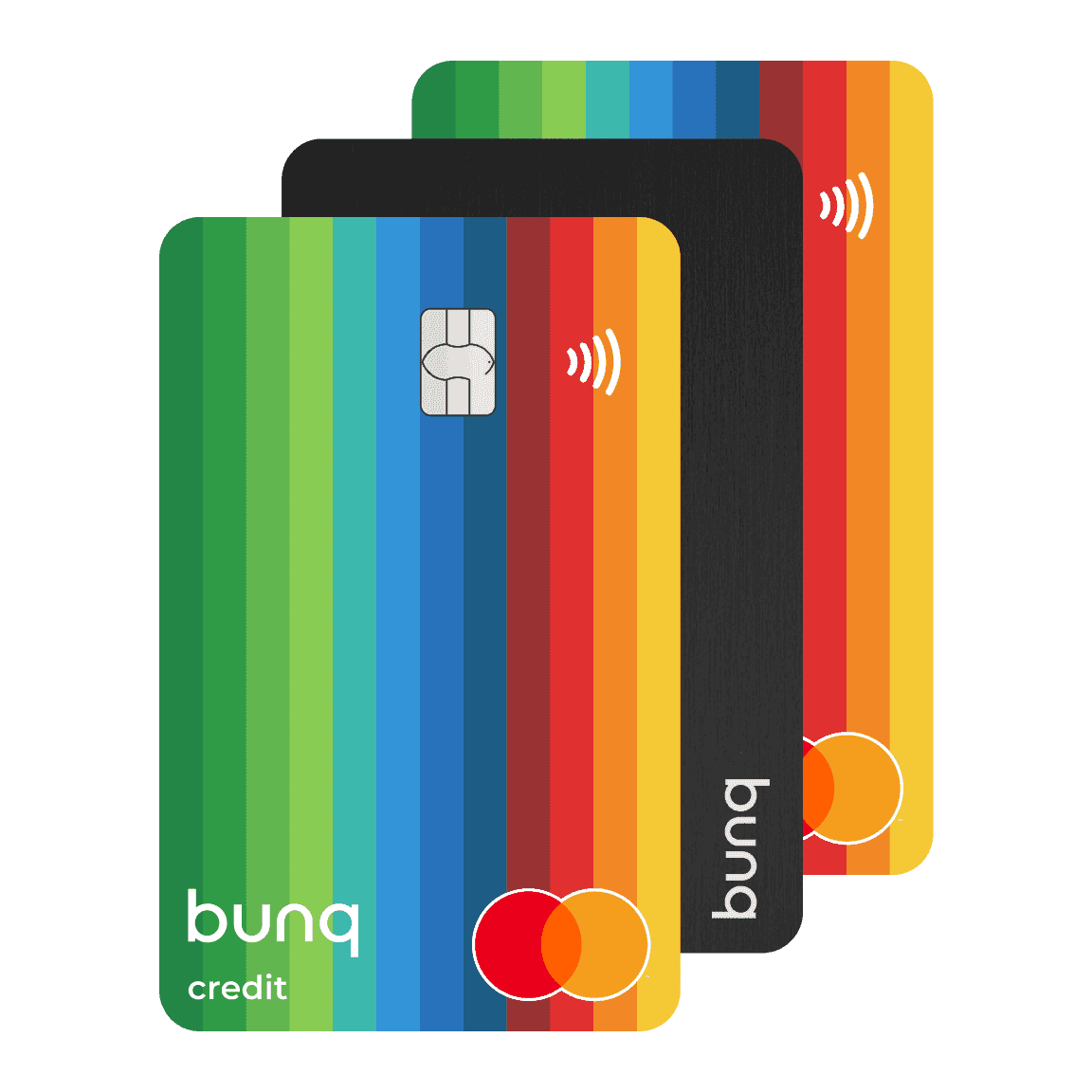
Issue physical and Digital Cards, set limits, and track business spending in real time, at home or abroad.
Issue physical and Digital Cards, set limits, and track business spending in real time, at home or abroad.
What bunq users say about banking with us.
Pls bring the complete overview back? Saving and business and complete all on one page.
Chris
App Store
Can't really say this bank stands out much, because mostof the neobanks kinda offer the same stuff. but some of the prices and rates may be different. Afaik - bunq have same interest rates for all the accs, thats fair and some people like it. others prefer better accounts to have more rates, and each to his own opinion.
Sean
Super easy to use, fast transfers, and the travel card works perfectly. Love how smooth everything is and how quick notifications come through. Makes managing money way easier. 5 stars ⭐️
mandemiamnotplayingugetme
App Store
What bunq users say about banking with us.
Pls bring the complete overview back? Saving and business and complete all on one page.
Chris
App Store
Can't really say this bank stands out much, because mostof the neobanks kinda offer the same stuff. but some of the prices and rates may be different. Afaik - bunq have same interest rates for all the accs, thats fair and some people like it. others prefer better accounts to have more rates, and each to his own opinion.
Sean
Super easy to use, fast transfers, and the travel card works perfectly. Love how smooth everything is and how quick notifications come through. Makes managing money way easier. 5 stars ⭐️
mandemiamnotplayingugetme
App Store
What bunq users say about banking with us.
Pls bring the complete overview back? Saving and business and complete all on one page.
Chris
App Store
Can't really say this bank stands out much, because mostof the neobanks kinda offer the same stuff. but some of the prices and rates may be different. Afaik - bunq have same interest rates for all the accs, thats fair and some people like it. others prefer better accounts to have more rates, and each to his own opinion.
Sean
Super easy to use, fast transfers, and the travel card works perfectly. Love how smooth everything is and how quick notifications come through. Makes managing money way easier. 5 stars ⭐️
mandemiamnotplayingugetme
App Store
With Elite Business, your team gets Travel Insurance and four 2GB eSIM bundles a year, so business trips stay covered and connected.
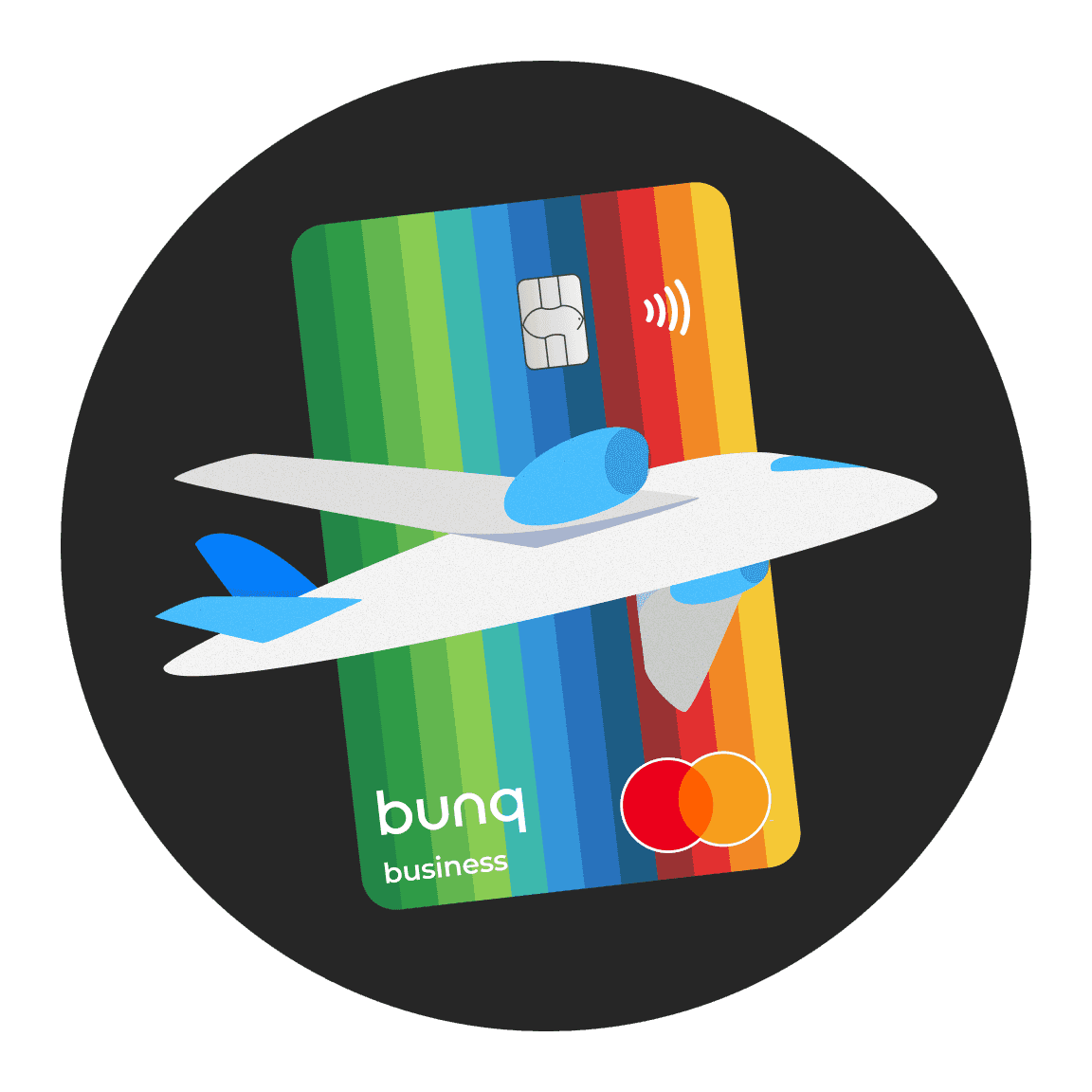
With Elite Business, your team gets Travel Insurance and four 2GB eSIM bundles a year, so business trips stay covered and connected.
With Elite Business, your team gets Travel Insurance and four 2GB eSIM bundles a year, so business trips stay covered and connected.
Card spending syncs to your bookkeeping software in real time, so expenses are easier to track, export, and reconcile.

Card spending syncs to your bookkeeping software in real time, so expenses are easier to track, export, and reconcile.
Card spending syncs to your bookkeeping software in real time, so expenses are easier to track, export, and reconcile.
Issue Digital Cards in minutes or order physical and Metal Cards for team members who need them. Set limits and stay in control from the bunq app.
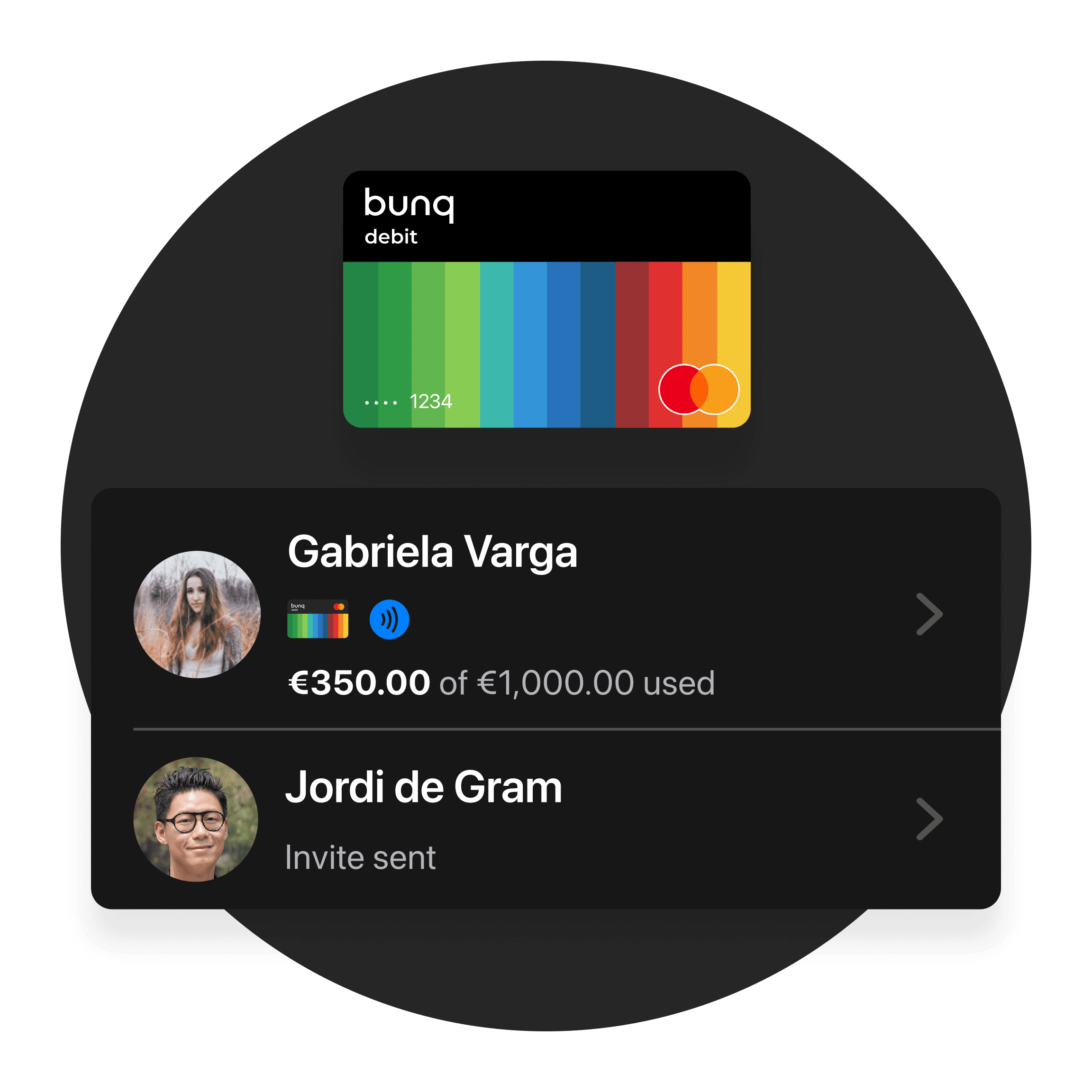
Issue Digital Cards in minutes or order physical and Metal Cards for team members who need them. Set limits and stay in control from the bunq app.
Issue Digital Cards in minutes or order physical and Metal Cards for team members who need them. Set limits and stay in control from the bunq app.
With Pro Business, you get 20% off your personal plan. With Elite Business, you get 50% off, so you can manage work and personal banking from one login.
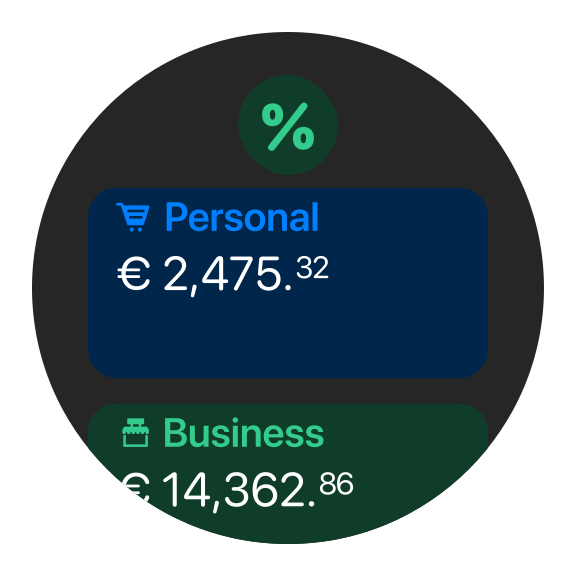
With Pro Business, you get 20% off your personal plan. With Elite Business, you get 50% off, so you can manage work and personal banking from one login.
With Pro Business, you get 20% off your personal plan. With Elite Business, you get 50% off, so you can manage work and personal banking from one login.
Try any plan free for 30 days—cancel anytime.
Free
Start for free
A simple account for getting your business started with bunq.
Try any plan free for 30 days—cancel anytime.
Free
Start for free
A simple account for getting your business started with bunq.
Try any plan free for 30 days—cancel anytime.
Free
Start for free
A simple account for getting your business started with bunq.
Find quick answers about card types, Digital Wallets, spending limits, team access, and what each plan includes.
With a verified Business account, open Cards → Add Card → Credit Card and follow the prompts. Eligibility is confirmed in the ordering flow.
Yes. bunq Core Business includes one free physical card (Mastercard Credit or Debit). You also get a digital card for instant use with Apple Pay or Google Pay.
bunq Free Business includes a digital card (Credit or Debit) for Apple Pay and Google Pay. Physical cards are available if you upgrade to Core, Pro, or Elite Business.
bunq Company Cards are prepaid and do not have a credit line, so there’s no risk of falling into debt.
That also means no credit check to get a card, load funds and spend what you have.
Yes. Active Company Cards can be added to Apple Pay and Google Pay from the bunq app, the same way as your other bunq cards.
bunq Pro Business includes up to 3 Company Cards. bunq Elite Business includes up to 10. Each extra Company Card costs €3.49 per month, plus a €9.99 one-time fee when you order a physical card beyond what your plan includes.
Find quick answers about card types, Digital Wallets, spending limits, team access, and what each plan includes.
With a verified Business account, open Cards → Add Card → Credit Card and follow the prompts. Eligibility is confirmed in the ordering flow.
Yes. bunq Core Business includes one free physical card (Mastercard Credit or Debit). You also get a digital card for instant use with Apple Pay or Google Pay.
bunq Free Business includes a digital card (Credit or Debit) for Apple Pay and Google Pay. Physical cards are available if you upgrade to Core, Pro, or Elite Business.
bunq Company Cards are prepaid and do not have a credit line, so there’s no risk of falling into debt.
That also means no credit check to get a card, load funds and spend what you have.
Yes. Active Company Cards can be added to Apple Pay and Google Pay from the bunq app, the same way as your other bunq cards.
bunq Pro Business includes up to 3 Company Cards. bunq Elite Business includes up to 10. Each extra Company Card costs €3.49 per month, plus a €9.99 one-time fee when you order a physical card beyond what your plan includes.
Find quick answers about card types, Digital Wallets, spending limits, team access, and what each plan includes.
With a verified Business account, open Cards → Add Card → Credit Card and follow the prompts. Eligibility is confirmed in the ordering flow.
Yes. bunq Core Business includes one free physical card (Mastercard Credit or Debit). You also get a digital card for instant use with Apple Pay or Google Pay.
bunq Free Business includes a digital card (Credit or Debit) for Apple Pay and Google Pay. Physical cards are available if you upgrade to Core, Pro, or Elite Business.
bunq Company Cards are prepaid and do not have a credit line, so there’s no risk of falling into debt.
That also means no credit check to get a card, load funds and spend what you have.
Yes. Active Company Cards can be added to Apple Pay and Google Pay from the bunq app, the same way as your other bunq cards.
bunq Pro Business includes up to 3 Company Cards. bunq Elite Business includes up to 10. Each extra Company Card costs €3.49 per month, plus a €9.99 one-time fee when you order a physical card beyond what your plan includes.
Issue cards and manage team spending from the bunq app.
Issue cards and manage team spending from the bunq app.
Issue cards and manage team spending from the bunq app.
More ways to get more from your business banking with bunq.
More ways to get more from your business banking with bunq.
More ways to get more from your business banking with bunq.