Joint Savings Accounts earn MassInterest together. Go to Savings → Add an Extra Savings Account → Joint Savings Account, invite co-owners, personalize the account, and tap Create.
Open a Joint Account without branch visits
Couples, roommates, or friends—split bills and save together online. Everyone gets a card and one clear view of shared money.

Open a Joint Account without branch visits
Couples, roommates, or friends—split bills and save together online. Everyone gets a card and one clear view of shared money.
Open a Joint Account without branch visits
Couples, roommates, or friends—split bills and save together online. Everyone gets a card and one clear view of shared money.
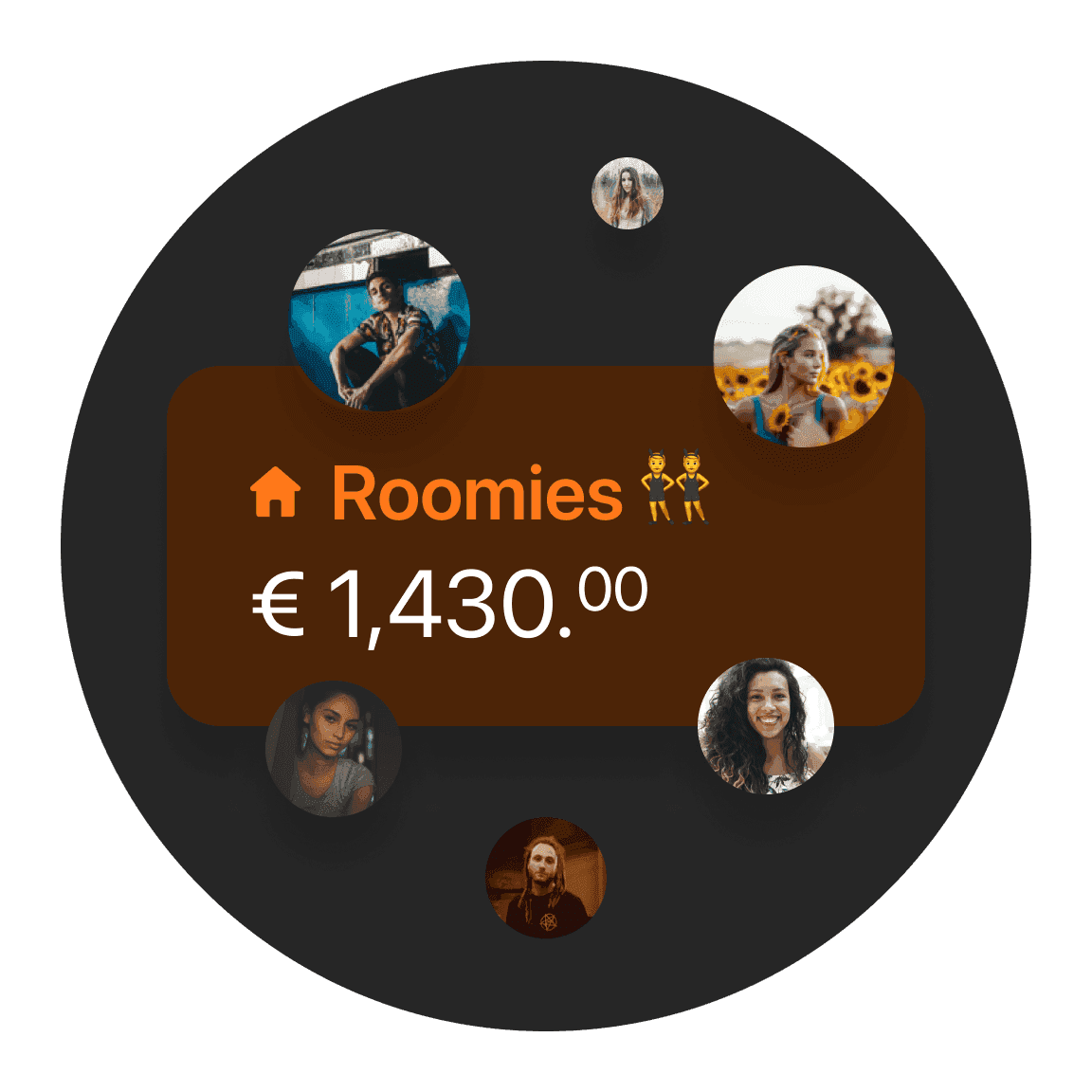
Share bills with up to 10 people
Open a Joint Account in minutes. Each person gets a card and sees the same balance—no more guessing who paid what.
Share bills with up to 10 people
Open a Joint Account in minutes. Each person gets a card and sees the same balance—no more guessing who paid what.
Share bills with up to 10 people
Open a Joint Account in minutes. Each person gets a card and sees the same balance—no more guessing who paid what.
Save together in a Joint Savings Account
Open a Joint Savings Account in seconds and earn 3.01% interest with shared legal ownership—ideal for partners, friends, or family.
*
Terms and Conditions apply
Save together in a Joint Savings Account
Open a Joint Savings Account in seconds and earn 3.01% interest with shared legal ownership—ideal for partners, friends, or family.
*
Terms and Conditions apply
Save together in a Joint Savings Account
Open a Joint Savings Account in seconds and earn 3.01% interest with shared legal ownership—ideal for partners, friends, or family.
*
Terms and Conditions apply
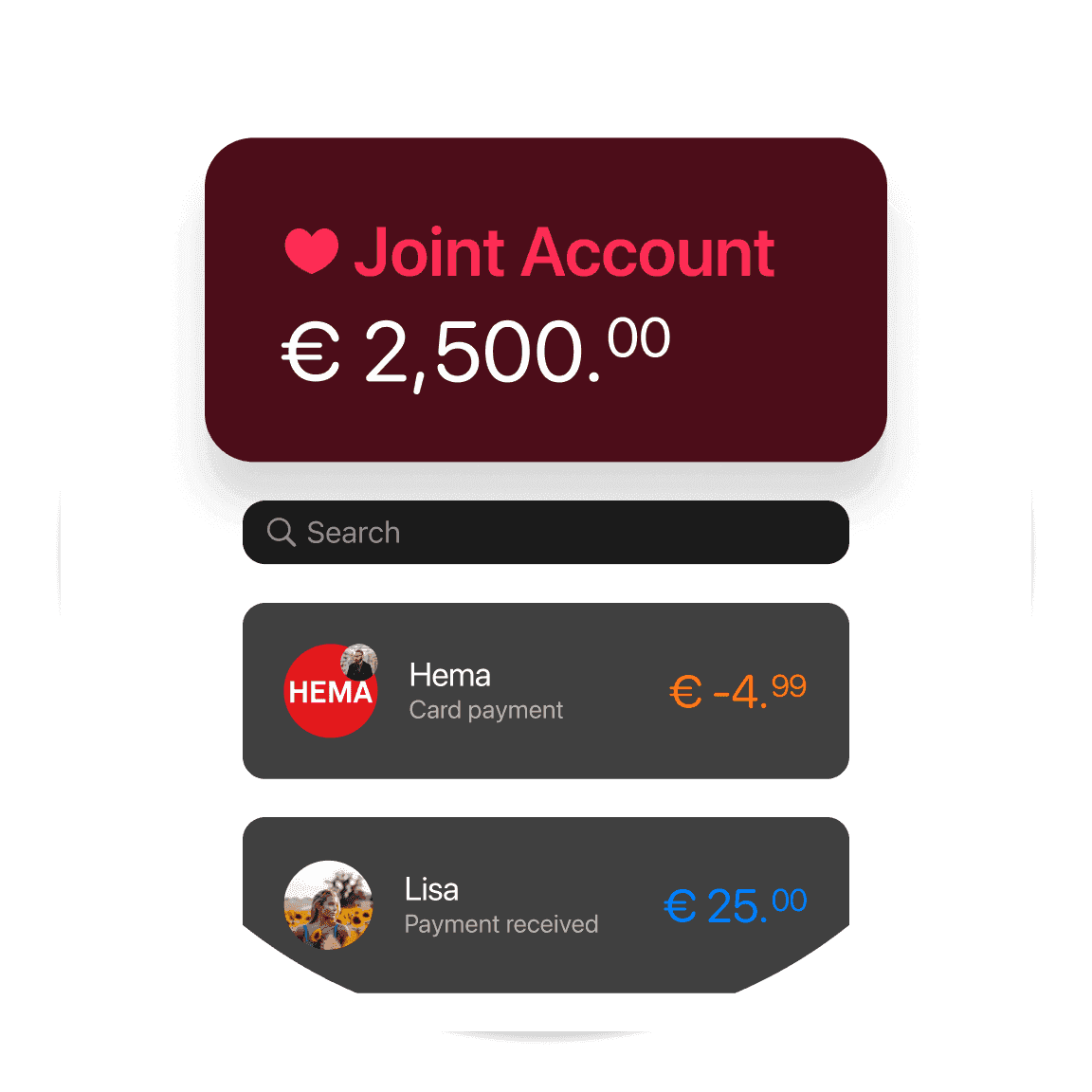
Budget together
No more "Who paid for what?" Know exactly where your money’s going. Get your salary sorted, purchases categorized, and leftover funds automatically added to your Joint Savings Account.
Budget together
No more "Who paid for what?" Know exactly where your money’s going. Get your salary sorted, purchases categorized, and leftover funds automatically added to your Joint Savings Account.
Budget together
No more "Who paid for what?" Know exactly where your money’s going. Get your salary sorted, purchases categorized, and leftover funds automatically added to your Joint Savings Account.
Save on plans with a bunq Pack
Bundle up to four bunq Pro personal plans—or mix personal and business Pro plans—and save up to 30% each month.

Save on plans with a bunq Pack
Bundle up to four bunq Pro personal plans—or mix personal and business Pro plans—and save up to 30% each month.
Save on plans with a bunq Pack
Bundle up to four bunq Pro personal plans—or mix personal and business Pro plans—and save up to 30% each month.
Choose your personal plan
Start simple. Upgrade when you need more savings, spending, and travel tools.
Choose your personal plan
Start simple. Upgrade when you need more savings, spending, and travel tools.
Choose your personal plan
Start simple. Upgrade when you need more savings, spending, and travel tools.
Joint Account questions answered
Opening Joint Accounts, shared IBANs, and Joint Savings Accounts.
Existing bunq users: Home → Add an Extra Bank Account → Joint Account → pick partners → personalize → done.
New partners can start from your invite: Try for free, choose account type, add both sets of details, then finish ID verification when prompted.
A Joint Account lets two or more legal owners share and manage one payment account together.
Co-owners get Instant Notifications for transactions, and shared funds (including any negative balance) belong to everyone on the account.
Before you start: each co-owner needs their own Bank Account.
Your deposits are protected by the Dutch Deposit Guarantee Scheme (DGS), which covers eligible deposits up to €100,000 per depositor. See the article below for how bunq keeps your money safe.
Yes! With bunq Pro or bunq Elite, you can open up to 25 bank accounts, including multiple Savings Accounts with their own IBANs.
Name accounts for goals and group them so your savings stay easy to scan.
Yes. bunq Joint Accounts let you share a payment account with up to nine other co-owners. Everyone can access the account from their own bunq app and gets Instant Notifications for transactions.
Joint Account questions answered
Opening Joint Accounts, shared IBANs, and Joint Savings Accounts.
Joint Savings Accounts earn MassInterest together. Go to Savings → Add an Extra Savings Account → Joint Savings Account, invite co-owners, personalize the account, and tap Create.
Existing bunq users: Home → Add an Extra Bank Account → Joint Account → pick partners → personalize → done.
New partners can start from your invite: Try for free, choose account type, add both sets of details, then finish ID verification when prompted.
A Joint Account lets two or more legal owners share and manage one payment account together.
Co-owners get Instant Notifications for transactions, and shared funds (including any negative balance) belong to everyone on the account.
Before you start: each co-owner needs their own Bank Account.
Your deposits are protected by the Dutch Deposit Guarantee Scheme (DGS), which covers eligible deposits up to €100,000 per depositor. See the article below for how bunq keeps your money safe.
Yes! With bunq Pro or bunq Elite, you can open up to 25 bank accounts, including multiple Savings Accounts with their own IBANs.
Name accounts for goals and group them so your savings stay easy to scan.
Yes. bunq Joint Accounts let you share a payment account with up to nine other co-owners. Everyone can access the account from their own bunq app and gets Instant Notifications for transactions.
Joint Account questions answered
Opening Joint Accounts, shared IBANs, and Joint Savings Accounts.
Joint Savings Accounts earn MassInterest together. Go to Savings → Add an Extra Savings Account → Joint Savings Account, invite co-owners, personalize the account, and tap Create.
Existing bunq users: Home → Add an Extra Bank Account → Joint Account → pick partners → personalize → done.
New partners can start from your invite: Try for free, choose account type, add both sets of details, then finish ID verification when prompted.
A Joint Account lets two or more legal owners share and manage one payment account together.
Co-owners get Instant Notifications for transactions, and shared funds (including any negative balance) belong to everyone on the account.
Before you start: each co-owner needs their own Bank Account.
Your deposits are protected by the Dutch Deposit Guarantee Scheme (DGS), which covers eligible deposits up to €100,000 per depositor. See the article below for how bunq keeps your money safe.
Yes! With bunq Pro or bunq Elite, you can open up to 25 bank accounts, including multiple Savings Accounts with their own IBANs.
Name accounts for goals and group them so your savings stay easy to scan.
Yes. bunq Joint Accounts let you share a payment account with up to nine other co-owners. Everyone can access the account from their own bunq app and gets Instant Notifications for transactions.
Open your Joint Account today
Start a Joint Account and invite others from the app.
Open your Joint Account today
Start a Joint Account and invite others from the app.
Open your Joint Account today
Start a Joint Account and invite others from the app.
Related articles
Check out some of these blog posts, packed with useful insights and tips to help you bank smarter and make life easy.



Related articles
Check out some of these blog posts, packed with useful insights and tips to help you bank smarter and make life easy.
Related articles
Check out some of these blog posts, packed with useful insights and tips to help you bank smarter and make life easy.