Yes. bunq uses bank-grade security measures, including encryption and strong authentication, to protect your payments and account access.
Manage your Business Account in the browser
Log in at bunq.com and use bunq Web on any device with a full-screen view of your account.

Manage your Business Account in the browser
Log in at bunq.com and use bunq Web on any device with a full-screen view of your account.
Manage your Business Account in the browser
Log in at bunq.com and use bunq Web on any device with a full-screen view of your account.
Trusted by bunq users
What people say about banking with bunq.
Trusted by bunq users
What people say about banking with bunq.
Trusted by bunq users
What people say about banking with bunq.
What's bunq Web?
Open bunq Web from bunq.com and manage your Business Account in the browser—same features, larger screen.
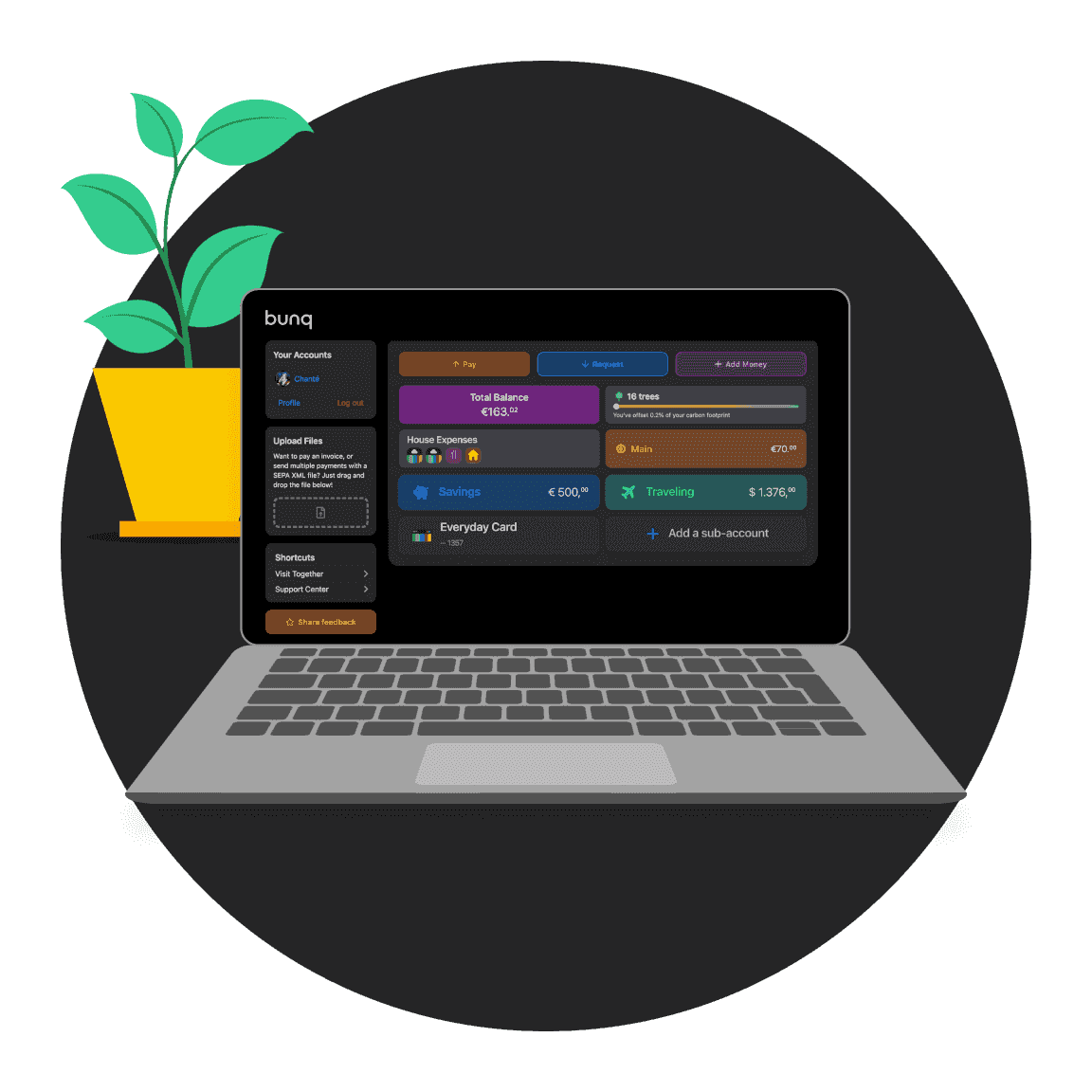
What's bunq Web?
Open bunq Web from bunq.com and manage your Business Account in the browser—same features, larger screen.
What's bunq Web?
Open bunq Web from bunq.com and manage your Business Account in the browser—same features, larger screen.
Upload invoices with Invoice Scanning
Add invoices in bunq Web to fill in payment details automatically. Less typing, fewer mistakes.
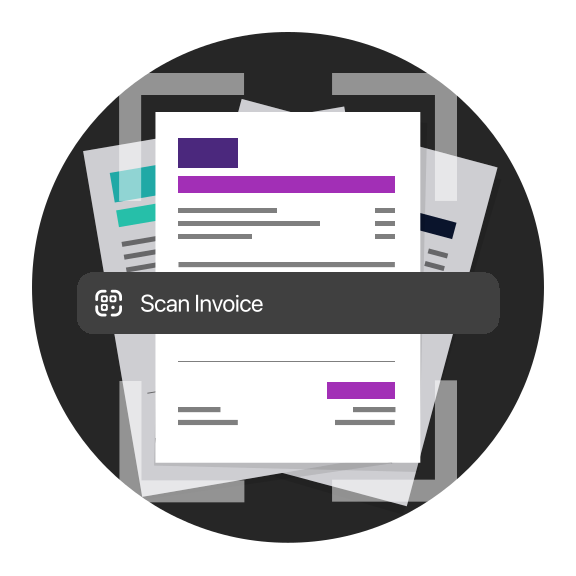
Upload invoices with Invoice Scanning
Add invoices in bunq Web to fill in payment details automatically. Less typing, fewer mistakes.
Upload invoices with Invoice Scanning
Add invoices in bunq Web to fill in payment details automatically. Less typing, fewer mistakes.
Choose your plan
Try any plan free for 30 days. Cancel anytime.
bunq Elite
€23.99
/month
Foreign Currencies, higher limits, and tools for cross-border work.
Choose your plan
Try any plan free for 30 days. Cancel anytime.
bunq Elite
€23.99
/month
Foreign Currencies, higher limits, and tools for cross-border work.
Choose your plan
Try any plan free for 30 days. Cancel anytime.
bunq Elite
€23.99
/month
Foreign Currencies, higher limits, and tools for cross-border work.
bunq Web questions answered
How to log in, use Invoice Scanning, and connect bookkeeping tools.
bunq integrates with several popular accounting platforms so you can sync transactions and simplify bookkeeping. See the help article linked below for the full, up-to-date list.
Yes. bunq offers dedicated Business accounts designed to make managing company finances simple, so you can spend less time on admin and more on growing your business.
Turn on Auto Export from Profile → Accounting to send monthly statement zip files to your bookkeeper automatically, on the 1st of each month.
You choose the recipient, accounts, and whether statements are password-protected.
bunq Web lets you bank from a desktop browser with the same accounts and payments as the app. It's handy for spreadsheets, invoicing, and longer sessions.
Open Profile → Support for 24/7 in-app chat. For urgent card or access issues, call the SOS line shown in the app (+31 20 808 3666). You can also email support@bunq.com from your linked address.
bunq Web questions answered
How to log in, use Invoice Scanning, and connect bookkeeping tools.
Yes. bunq uses bank-grade security measures, including encryption and strong authentication, to protect your payments and account access.
bunq integrates with several popular accounting platforms so you can sync transactions and simplify bookkeeping. See the help article linked below for the full, up-to-date list.
Yes. bunq offers dedicated Business accounts designed to make managing company finances simple, so you can spend less time on admin and more on growing your business.
Turn on Auto Export from Profile → Accounting to send monthly statement zip files to your bookkeeper automatically, on the 1st of each month.
You choose the recipient, accounts, and whether statements are password-protected.
bunq Web lets you bank from a desktop browser with the same accounts and payments as the app. It's handy for spreadsheets, invoicing, and longer sessions.
Open Profile → Support for 24/7 in-app chat. For urgent card or access issues, call the SOS line shown in the app (+31 20 808 3666). You can also email support@bunq.com from your linked address.
bunq Web questions answered
How to log in, use Invoice Scanning, and connect bookkeeping tools.
Yes. bunq uses bank-grade security measures, including encryption and strong authentication, to protect your payments and account access.
bunq integrates with several popular accounting platforms so you can sync transactions and simplify bookkeeping. See the help article linked below for the full, up-to-date list.
Yes. bunq offers dedicated Business accounts designed to make managing company finances simple, so you can spend less time on admin and more on growing your business.
Turn on Auto Export from Profile → Accounting to send monthly statement zip files to your bookkeeper automatically, on the 1st of each month.
You choose the recipient, accounts, and whether statements are password-protected.
bunq Web lets you bank from a desktop browser with the same accounts and payments as the app. It's handy for spreadsheets, invoicing, and longer sessions.
Open Profile → Support for 24/7 in-app chat. For urgent card or access issues, call the SOS line shown in the app (+31 20 808 3666). You can also email support@bunq.com from your linked address.
Open your Business Account today
Bank in the app and switch to bunq Web when you need a bigger screen.
Open your Business Account today
Bank in the app and switch to bunq Web when you need a bigger screen.
Open your Business Account today
Bank in the app and switch to bunq Web when you need a bigger screen.
Related articles
More guides on banking with bunq.



Related articles
More guides on banking with bunq.
Related articles
More guides on banking with bunq.