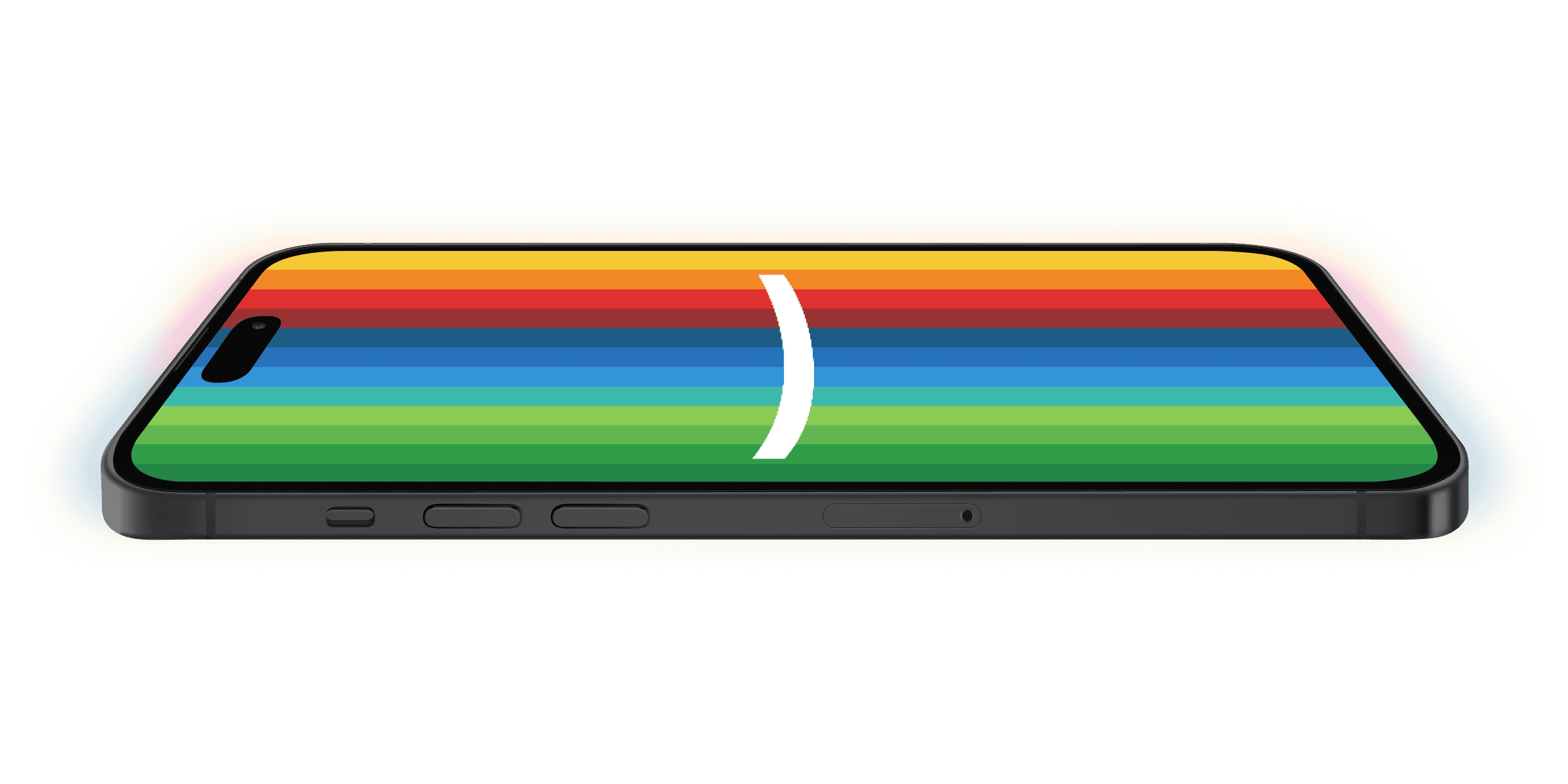
Shop safe. Pay fast.
Check out online without typing card details. Click to Pay by Mastercard makes paying with bunq fast, simple, and secure.
Shop safe. Pay fast.
Check out online without typing card details. Click to Pay by Mastercard makes paying with bunq fast, simple, and secure.
Shop safe. Pay fast.
Check out online without typing card details. Click to Pay by Mastercard makes paying with bunq fast, simple, and secure.

What is Click to Pay?
Pay faster and safer with Click to Pay by Mastercard. It securely stores your card and shipping details. Your bunq card is already enabled, so you can enjoy easy checkout across stores.
What is Click to Pay?
Pay faster and safer with Click to Pay by Mastercard. It securely stores your card and shipping details. Your bunq card is already enabled, so you can enjoy easy checkout across stores.
What is Click to Pay?
Pay faster and safer with Click to Pay by Mastercard. It securely stores your card and shipping details. Your bunq card is already enabled, so you can enjoy easy checkout across stores.
Why choose Click to Pay?
Click to Pay brings together safety, speed, and simplicity. Your bunq card details stay private every time you pay. No extra forms or numbers to type. Wherever you see the Click to Pay icon, you get the same reliable flow.

Why choose Click to Pay?
Click to Pay brings together safety, speed, and simplicity. Your bunq card details stay private every time you pay. No extra forms or numbers to type. Wherever you see the Click to Pay icon, you get the same reliable flow.
Why choose Click to Pay?
Click to Pay brings together safety, speed, and simplicity. Your bunq card details stay private every time you pay. No extra forms or numbers to type. Wherever you see the Click to Pay icon, you get the same reliable flow.
How to activate Click to Pay
1.
Choose card payment at checkout
Select card payment when you're ready to pay online.
2.
Tap on the Click to Pay icon
Look for the Click to Pay icon at checkout.
3.
Verify with your one-time access code
Confirm your payment method with a secure one-time code.
4.
Pay with one click from now on
From now on you can safely pay with just one click.
Loved by our users
Real reviews from bunq users.
Great bank, everything works perfectly, I'm canceling my savings bank account today.
Ralph
Google Play
bunq has been great so far. Easily opened a Joint account with my boyfriend which took forever at my last bank. Super top 👍.
Marianne
The best and simplest banking with everything you need, whether crypto or stocks – truly excellent. And above all, secure.
Mustafa

Find your perfect fit
Start simple. Upgrade when you want more ways to save, spend, and travel.
bunq Elite
€18.99
/month
Premium banking for life at home and abroad.
bunq Pro
€9.99
/month
The bank account that makes budgeting easy.
bunq Core
€3.99
/month
The bank account for everyday use.
bunq Free
Free
Start banking
The essentials to get you started.
Frequently Asked Questions
Common questions about Click to Pay.
Is Click to Pay only for online payments?
Yes. Click to Pay is designed for online shopping and is just as safe as paying in-store.
What are the benefits of Click to Pay?
Pay online quickly and securely without creating accounts or remembering passwords. Smart protection keeps your details safe, while your payment info is stored in your Click to Pay profile. Always ready when you are.
Which payment methods can I use with Click to Pay?
You can use any Mastercard credit, debit, or prepaid card. Merchants decide which brands they accept.
How do I manage my Click to Pay profile?
Log in anytime at mastercard.nl/click-to-pay to add or remove a card, update shipping addresses, change your phone number, manage your devices, or delete your profile.
How do I log in without a password?
bunq doesn’t use passwords. Log in with your phone number and Security Code, or enable biometric login under Profile → Settings → Security. On a new device you’ll verify your identity again for safety.

Open your Bank Account in 5 minutes
Get started now, with just your phone and ID.
Open your Bank Account in 5 minutes
Get started now, with just your phone and ID.
Open your Bank Account in 5 minutes
Get started now, with just your phone and ID.
Related articles
Keep exploring practical ways to get more from your money with bunq.
Related articles
Keep exploring practical ways to get more from your money with bunq.
Related articles
Keep exploring practical ways to get more from your money with bunq.