Accept card payments on your Android phone
Use Tap to Pay on Android to take contactless payments without a separate card reader.
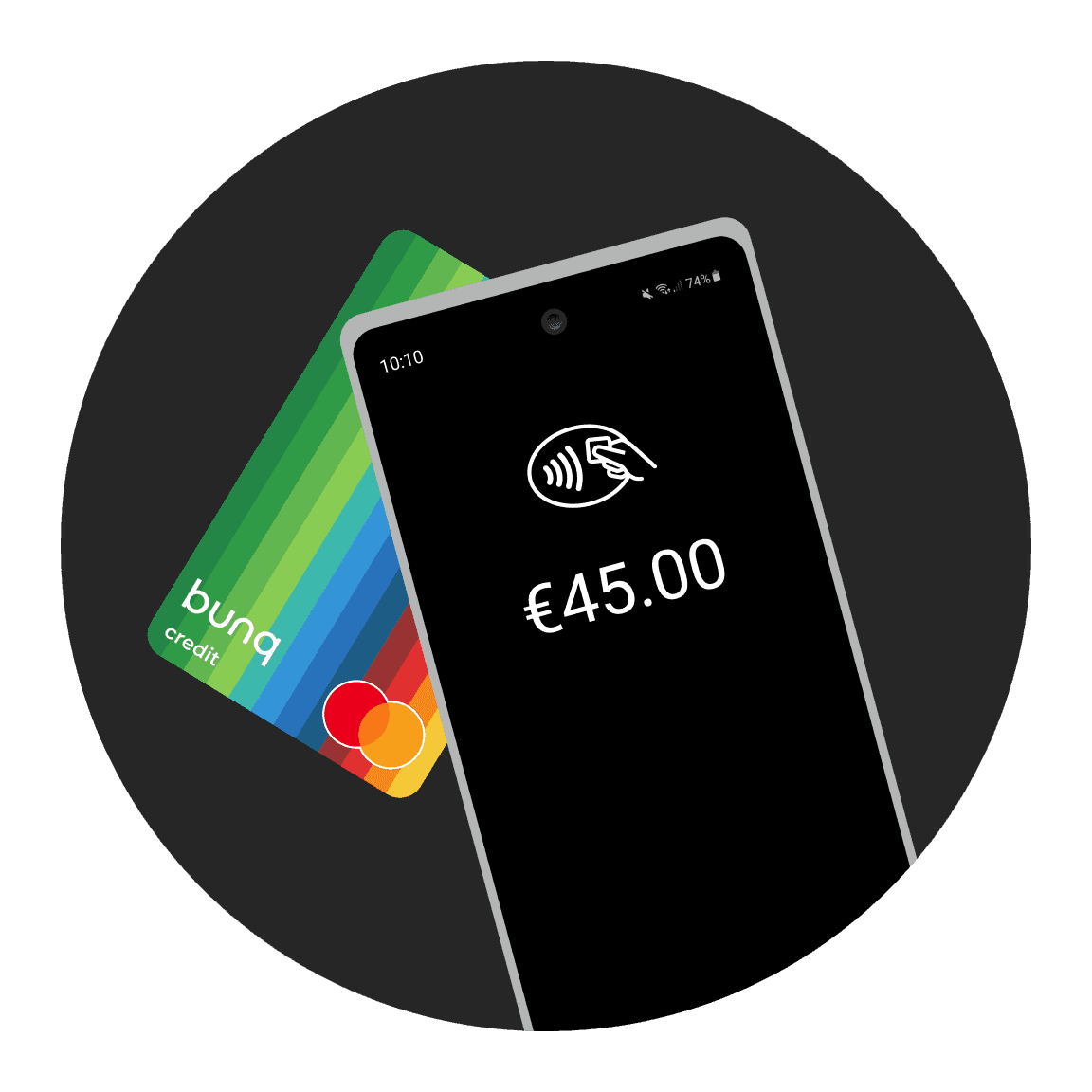
Accept card payments on your Android phone
Use Tap to Pay on Android to take contactless payments without a separate card reader.
Accept card payments on your Android phone
Use Tap to Pay on Android to take contactless payments without a separate card reader.
Real reviews from bunq users
What bunq users say about banking with us.
Real reviews from bunq users
What bunq users say about banking with us.
Real reviews from bunq users
What bunq users say about banking with us.
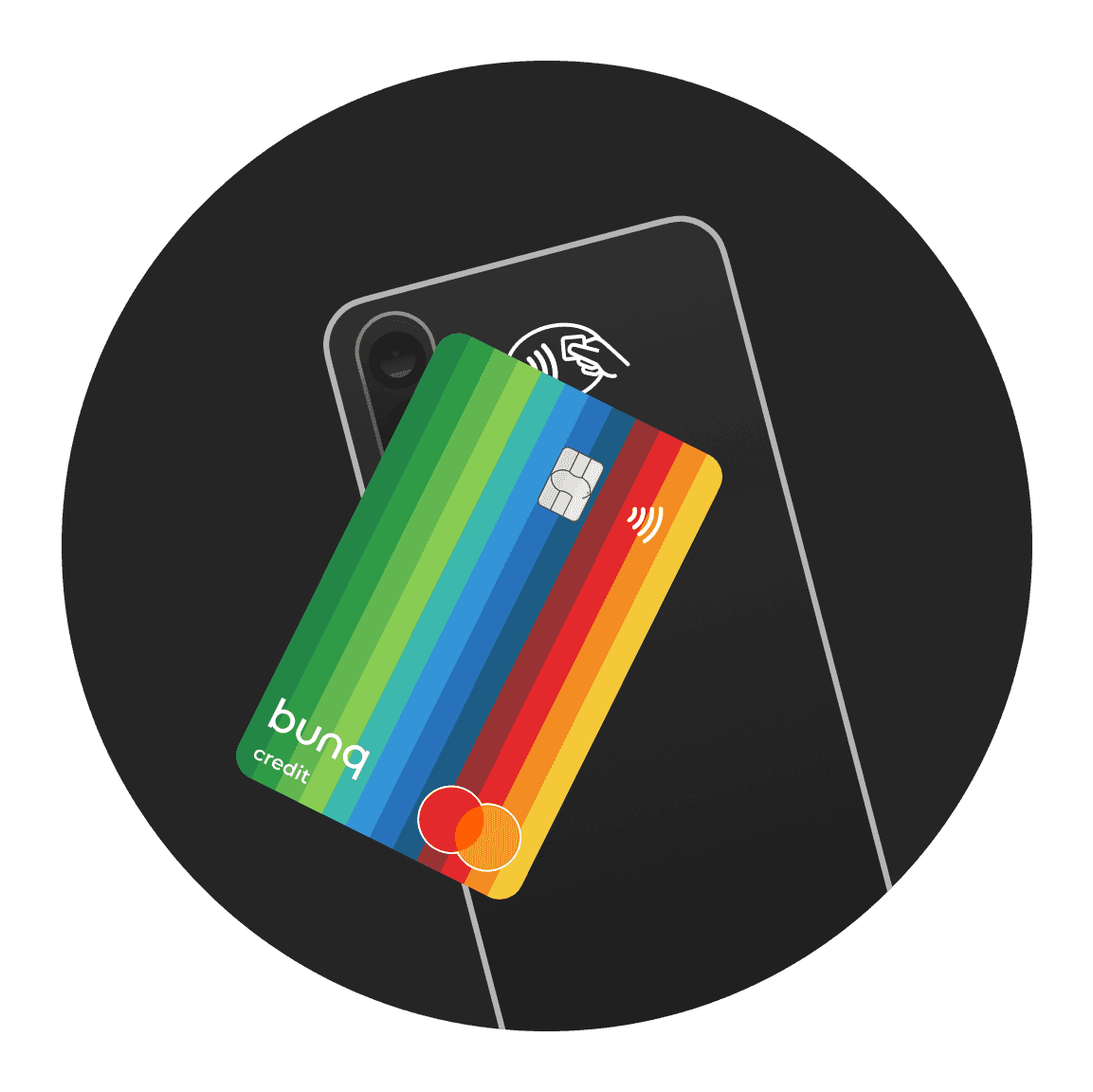
Your phone is the card reader
Accept contactless cards and digital wallets in person with only your Android phone and the bunq app, no terminals or costly hardware needed.
Your phone is the card reader
Accept contactless cards and digital wallets in person with only your Android phone and the bunq app, no terminals or costly hardware needed.
Your phone is the card reader
Accept contactless cards and digital wallets in person with only your Android phone and the bunq app, no terminals or costly hardware needed.
How Tap to Pay on Android works
Take a contactless payment in four steps from your bunq app.
1.
Create a request
Tap Request, enter the amount, and choose Tap to Pay on Android.
2.
Show your phone
Hold your Android phone ready for the customer.
3.
Customer taps to pay
The customer holds their card or phone near the back of your device.
4.
Payment complete
When you see the checkmark, the payment has gone through.
Transparent pricing
Pay a clear 1.5% fee per transaction, regardless of the card your customer uses. No hidden charges, predictable business costs.
€0.00
Activation costs
Zero euro activation costs
€0.00
Monthly fees
Zero euro monthly fees
1.50%
per transaction
One point fifty percent per transaction

Choose your plan
Try any plan free for 30 days. After that, you pay for your chosen plan unless you change or cancel it. Cancel anytime, for free.
bunq Elite
€23.99
/month
Foreign Currencies, higher limits, and tools for cross-border work.
bunq Pro
€13.99
/month
More Bank Accounts, Company cards, and automation as you grow.
bunq Core
€7.99
/month
Straightforward business banking for daily operations.
bunq Free
Free
Start for free
A free Business Bank Account to get started with bunq.
Tap to Pay questions answered
Who can use it, fees, supported payment methods, and plan requirements.
What payment methods can my customers use?
On your bunq.me page, payers can use iDEAL or Wero, Bancontact, or debit and credit cards. Limits and card fees are set out in the help article linked below.
Who can sign up for the bunq Business Free plan?
bunq Free Business is only available for freelancers. Have your business details ready and upload any documents we request during signup.
Other legal forms should choose Core, Pro, or Elite Business instead.
What are the rates for Tap to Pay with the free card reader?
Tap to Pay lets Business users accept in-person card payments with your phone. A transaction fee applies; check the Tap to Pay section in your app for current rates.
Does Free Business include a Credit Card?
bunq Free Business includes a digital card (Credit or Debit) for Apple Pay and Google Pay. Physical cards are available if you upgrade to Core, Pro, or Elite Business.
Who can use Tap to Pay?
Verified bunq Business users in supported countries can accept contactless card payments with Tap to Pay on a compatible iPhone or Android device, with no extra hardware. Some merchant categories are excluded.
How do I contact bunq Support?
Open Profile → Support for 24/7 in-app chat. For urgent card or access issues, call the SOS line shown in the app (+31 20 808 3666). You can also email support@bunq.com from your linked address.

Open your Business Account today
Start accepting in-person payments with Tap to Pay on Android.
Open your Business Account today
Start accepting in-person payments with Tap to Pay on Android.
Open your Business Account today
Start accepting in-person payments with Tap to Pay on Android.
Related articles
More guides on business banking with bunq.
Related articles
More guides on business banking with bunq.
Related articles
More guides on business banking with bunq.