Manage your account in the browser
Log in at bunq.com and use bunq Web to pay bills, scan invoices, and view accounts on a bigger screen.
Manage your account in the browser
Log in at bunq.com and use bunq Web to pay bills, scan invoices, and view accounts on a bigger screen.
Manage your account in the browser
Log in at bunq.com and use bunq Web to pay bills, scan invoices, and view accounts on a bigger screen.
What's bunq Web?
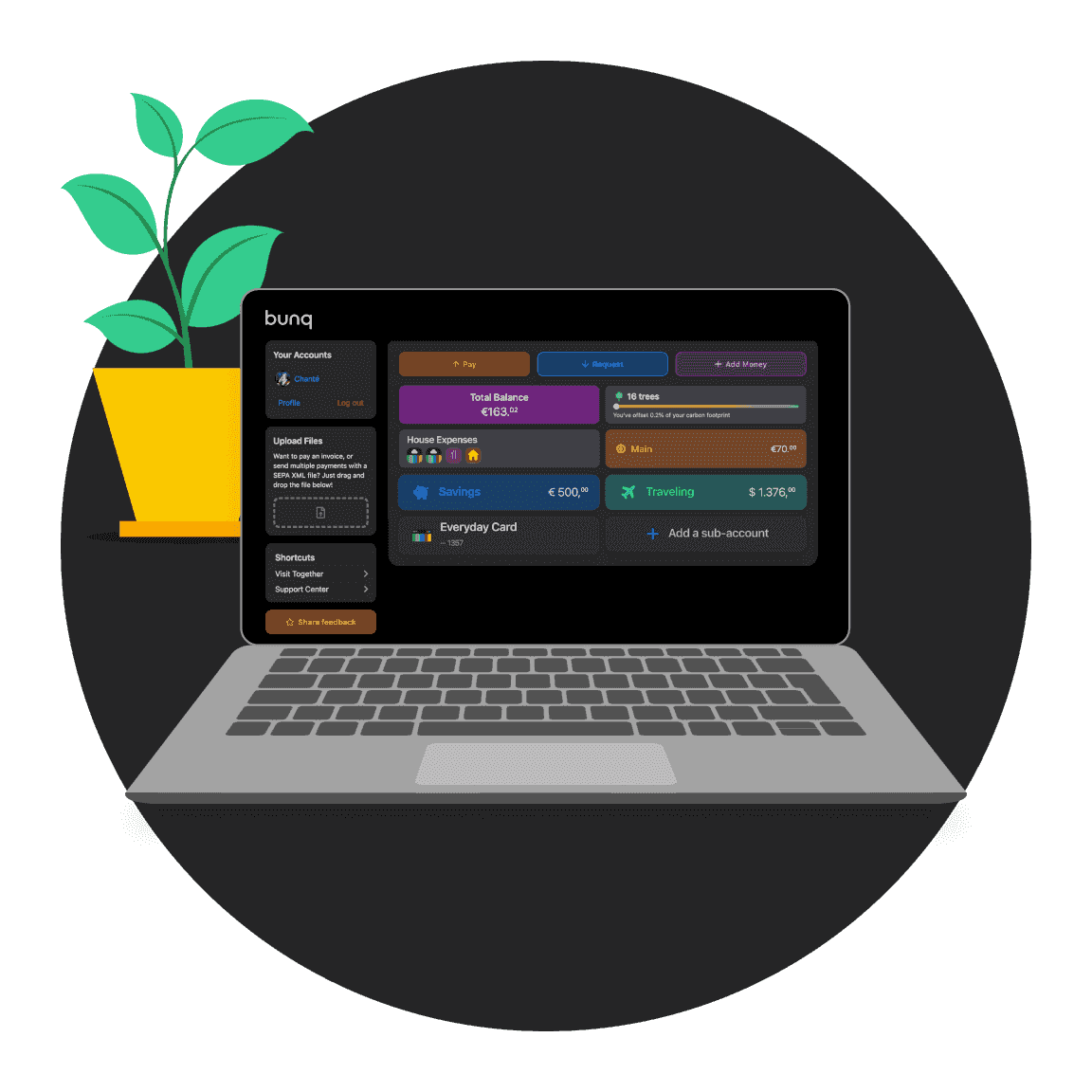
Open bunq Web from bunq.com and manage your Personal Account in the browser—same features, larger screen.
What's bunq Web?
Open bunq Web from bunq.com and manage your Personal Account in the browser—same features, larger screen.
What's bunq Web?
Open bunq Web from bunq.com and manage your Personal Account in the browser—same features, larger screen.
Upload invoices with Invoice Scanning
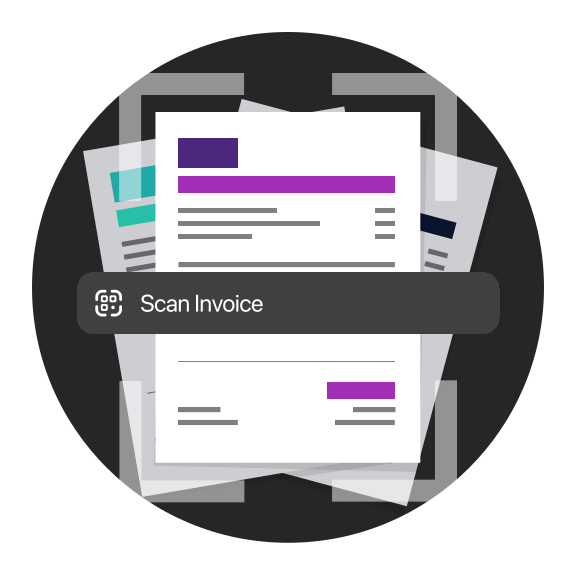
Add invoices in bunq Web and bunq fills in payment details for you. Less typing, fewer mistakes.
Upload invoices with Invoice Scanning
Add invoices in bunq Web and bunq fills in payment details for you. Less typing, fewer mistakes.
Upload invoices with Invoice Scanning
Add invoices in bunq Web and bunq fills in payment details for you. Less typing, fewer mistakes.

Choose your personal plan
Start simple. Upgrade when you need more savings, spending, and travel tools.
bunq Elite
€18.99
per month
Premium banking for life at home and abroad.
Travel insured, worldwide · 8GB of global eSIM data · Half-price trading
bunq Pro
€9.99
per month
More ways to save, budget, and pay abroad.
Organize your money across 25 Bank Accounts · Pay 20% less on stock trades
bunq Core
€3.99
per month
Everyday banking with cards and Bank Accounts.
Pay anywhere with a Physical Card · Spend abroad with no extra FX fees
bunq Free
Free
Start banking
A free Personal Account to get you started with bunq.
Open your account in minutes · Start earning on your savings today
bunq Web questions answered
How to log in, use Invoice Scanning, and switch plans.
Do I need to visit a branch to open my account?
No branch visit is needed. Opening a Personal Bank Account is fully online: download the bunq app, follow signup, and verify your identity with your phone and a supported ID.
Is my money safe with bunq?
Yes, your money is safe with bunq. bunq operates under a full European banking license from De Nederlandsche Bank (DNB). Eligible deposits are covered by the Deposit Guarantee Scheme (DGS) up to €100,000 per depositor where the rules apply.
Can I switch bunq plans later?
Yes. You can switch between bunq Free, bunq Core, bunq Pro, and bunq Elite anytime in the app. Your new plan usually starts when your current billing cycle ends (upgrades from Free start right away).
What’s included in bunq Free?
bunq Free includes the essentials: multiple Bank Accounts, instant and Scheduled Payments, bunq.me links, Apple Pay and Google Pay, a Digital Card, limited yearly ZeroFX, MassInterest where you qualify, Tap to Pay where supported, Joint Accounts when invited, Group Expenses, eSIM tools, and bunq Web.
Upgrade anytime for physical cards and higher limits.
What is bunq Web?
bunq Web lets you bank from a desktop browser with the same accounts and payments as the app. It's handy for spreadsheets, invoicing, and longer sessions.
How do I contact bunq Support?
Open Profile → Support for 24/7 in-app chat. For urgent card or access issues, call the SOS line shown in the app (+31 20 808 3666). You can also email support@bunq.com from your linked address.

Open your Personal Account today
Bank in the app and switch to bunq Web when you need a bigger screen.
Open your Personal Account today
Bank in the app and switch to bunq Web when you need a bigger screen.
Open your Personal Account today
Bank in the app and switch to bunq Web when you need a bigger screen.
Related articles
More guides on banking with bunq.



Related articles
More guides on banking with bunq.
Related articles
More guides on banking with bunq.