Instant Payments are included with all Personal plans at no extra cost. Business plans include a set number of free instant transfers per year; see your plan for allowances and any fee after that.
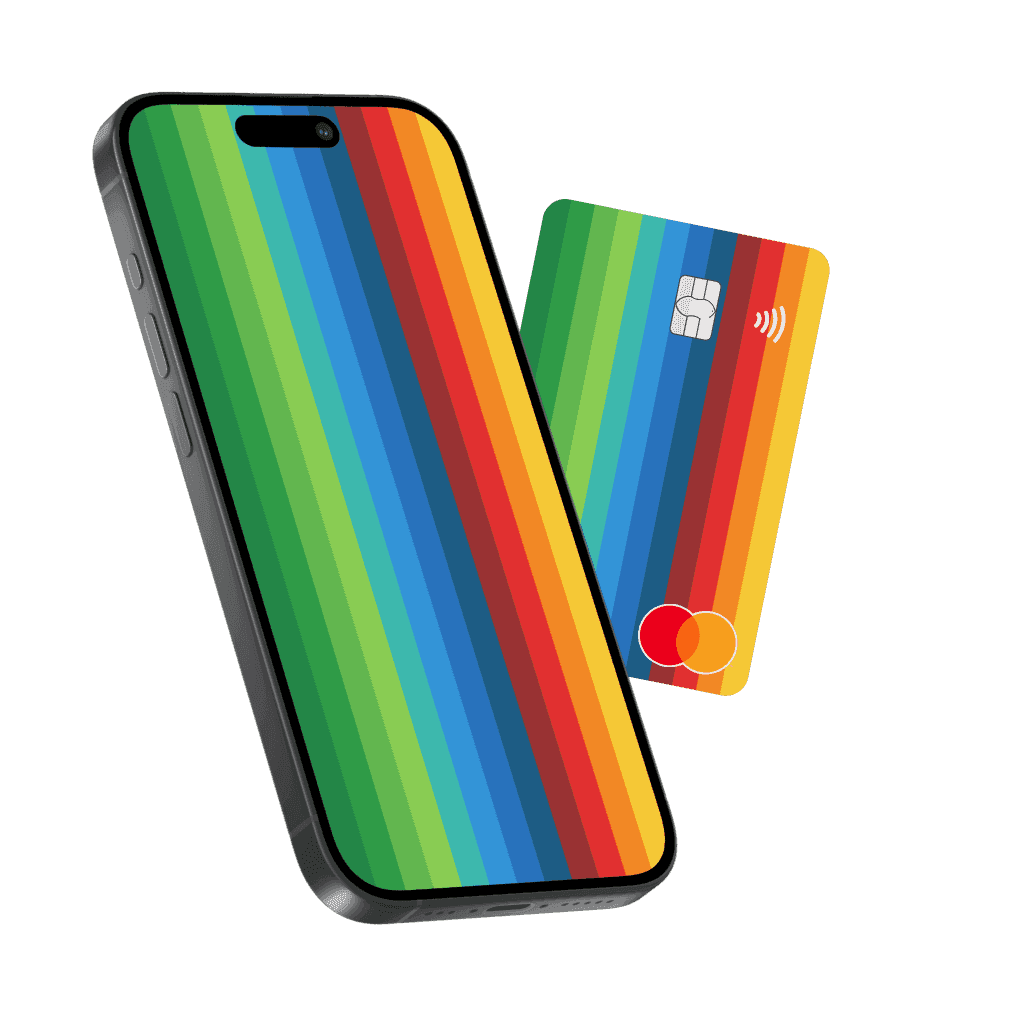
Send and receive money in seconds
Pay friends, split bills, and schedule transfers from your phone—with controls that keep you in charge.
Send and receive money in seconds
Pay friends, split bills, and schedule transfers from your phone—with controls that keep you in charge.
Send and receive money in seconds
Pay friends, split bills, and schedule transfers from your phone—with controls that keep you in charge.
Move money with Instant Payments
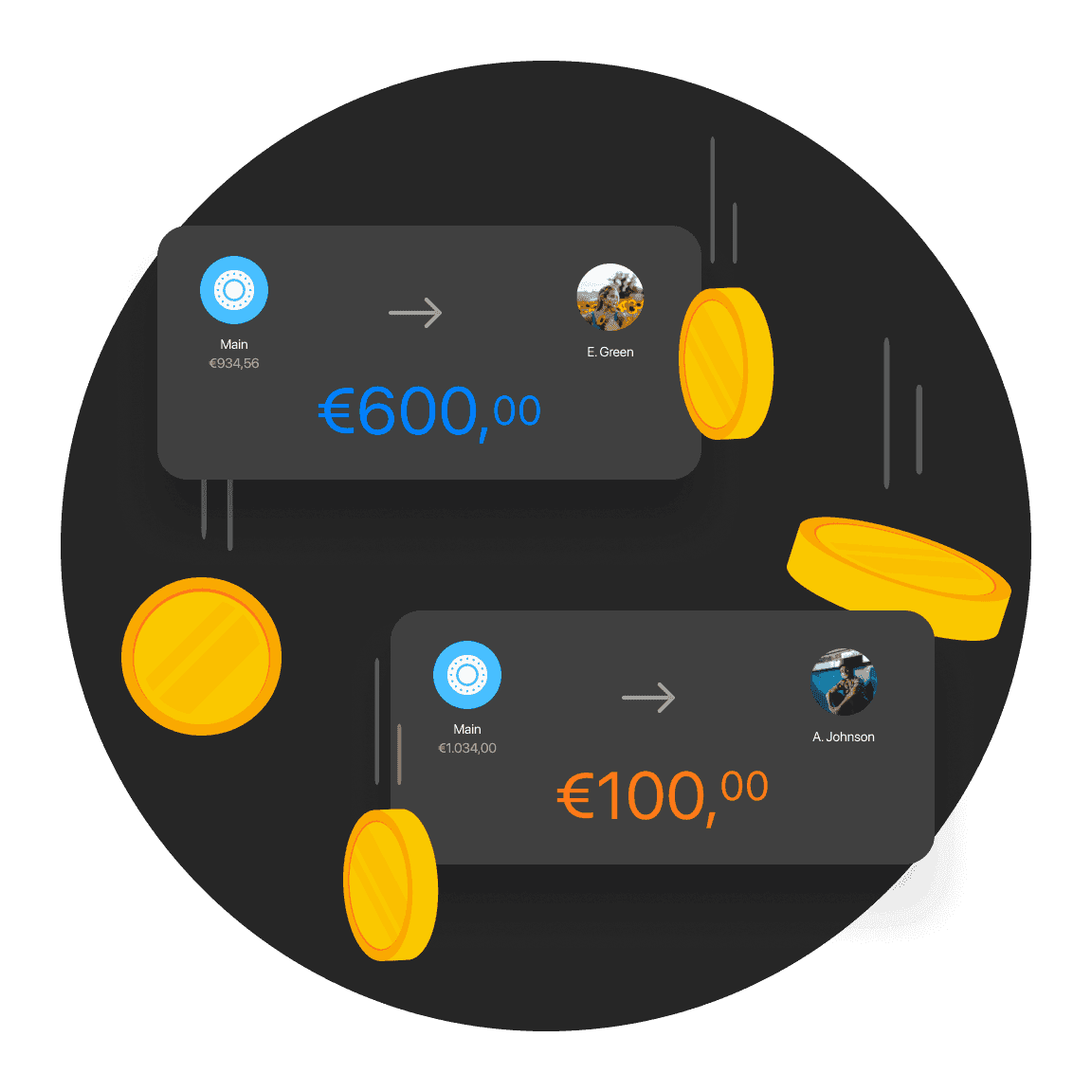
Send and receive money instantly. Your transfers go through the moment you confirm them, with zero waiting. Your funds arrive in real-time across a vast network of European banks.
Move money with Instant Payments
Send and receive money instantly. Your transfers go through the moment you confirm them, with zero waiting. Your funds arrive in real-time across a vast network of European banks.
Move money with Instant Payments
Send and receive money instantly. Your transfers go through the moment you confirm them, with zero waiting. Your funds arrive in real-time across a vast network of European banks.
Schedule payments in advance
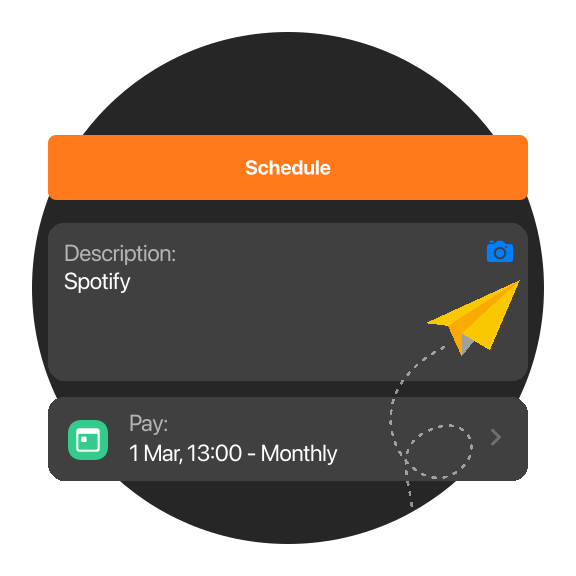
Set up Scheduled Payments for rent, subscriptions, or one-off transfers. Choose the frequency, amount limit, or end date.
Schedule payments in advance
Set up Scheduled Payments for rent, subscriptions, or one-off transfers. Choose the frequency, amount limit, or end date.
Schedule payments in advance
Set up Scheduled Payments for rent, subscriptions, or one-off transfers. Choose the frequency, amount limit, or end date.
Request money in the app
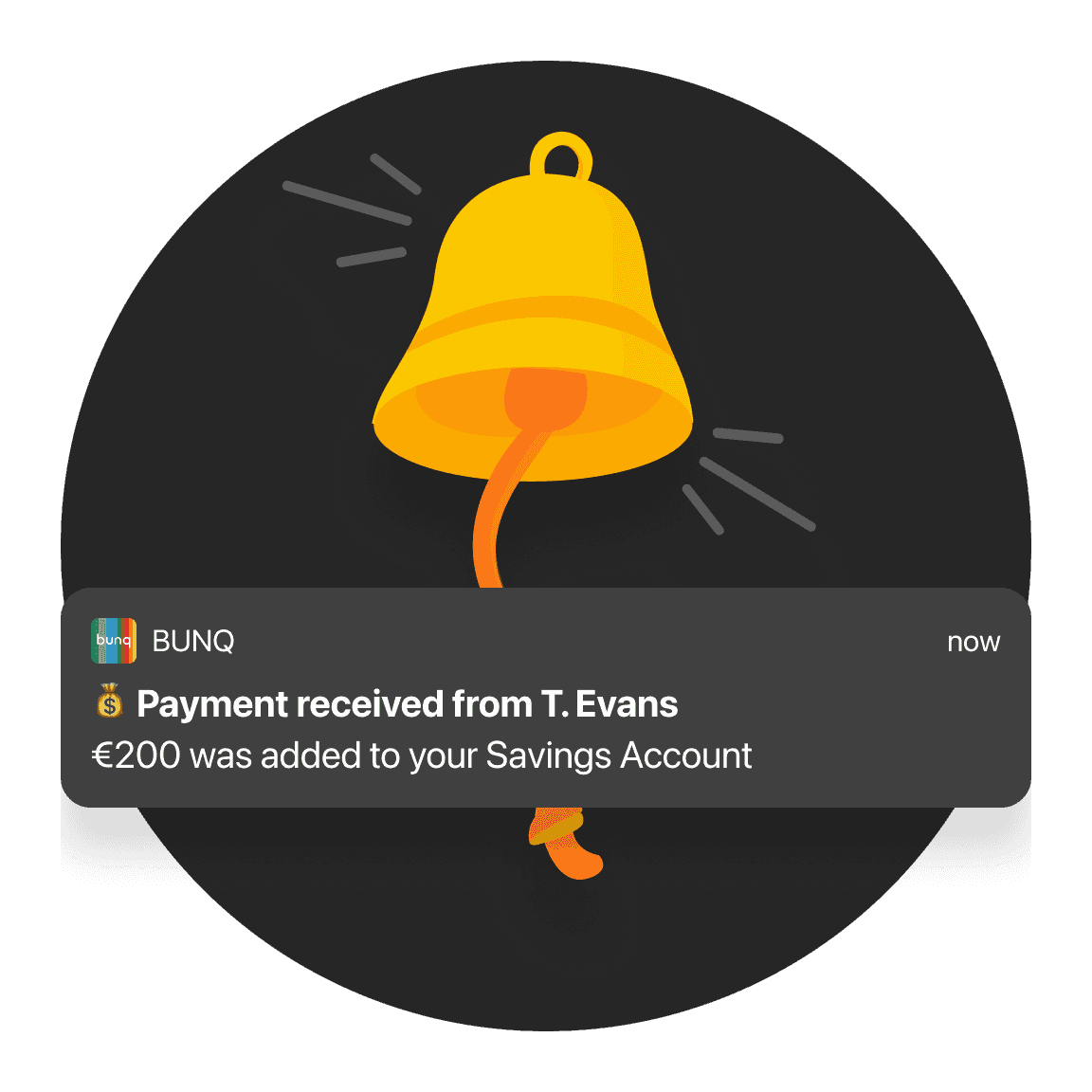
Split a dinner bill or collect contributions—send a payment request in seconds.
Request money in the app
Split a dinner bill or collect contributions—send a payment request in seconds.
Request money in the app
Split a dinner bill or collect contributions—send a payment request in seconds.
Get paid back easily with a secure link
Get money back easily for dinners, trips, and more with bunq.me. Create a unique link, let friends pay you back in any currency, from any bank, and keep track of who still owes you in one overview.

Get paid back easily with a secure link
Get money back easily for dinners, trips, and more with bunq.me. Create a unique link, let friends pay you back in any currency, from any bank, and keep track of who still owes you in one overview.
Get paid back easily with a secure link
Get money back easily for dinners, trips, and more with bunq.me. Create a unique link, let friends pay you back in any currency, from any bank, and keep track of who still owes you in one overview.
Approve trusted payments automatically
Add contacts you trust and bunq approves their requests automatically—up to a limit you set.
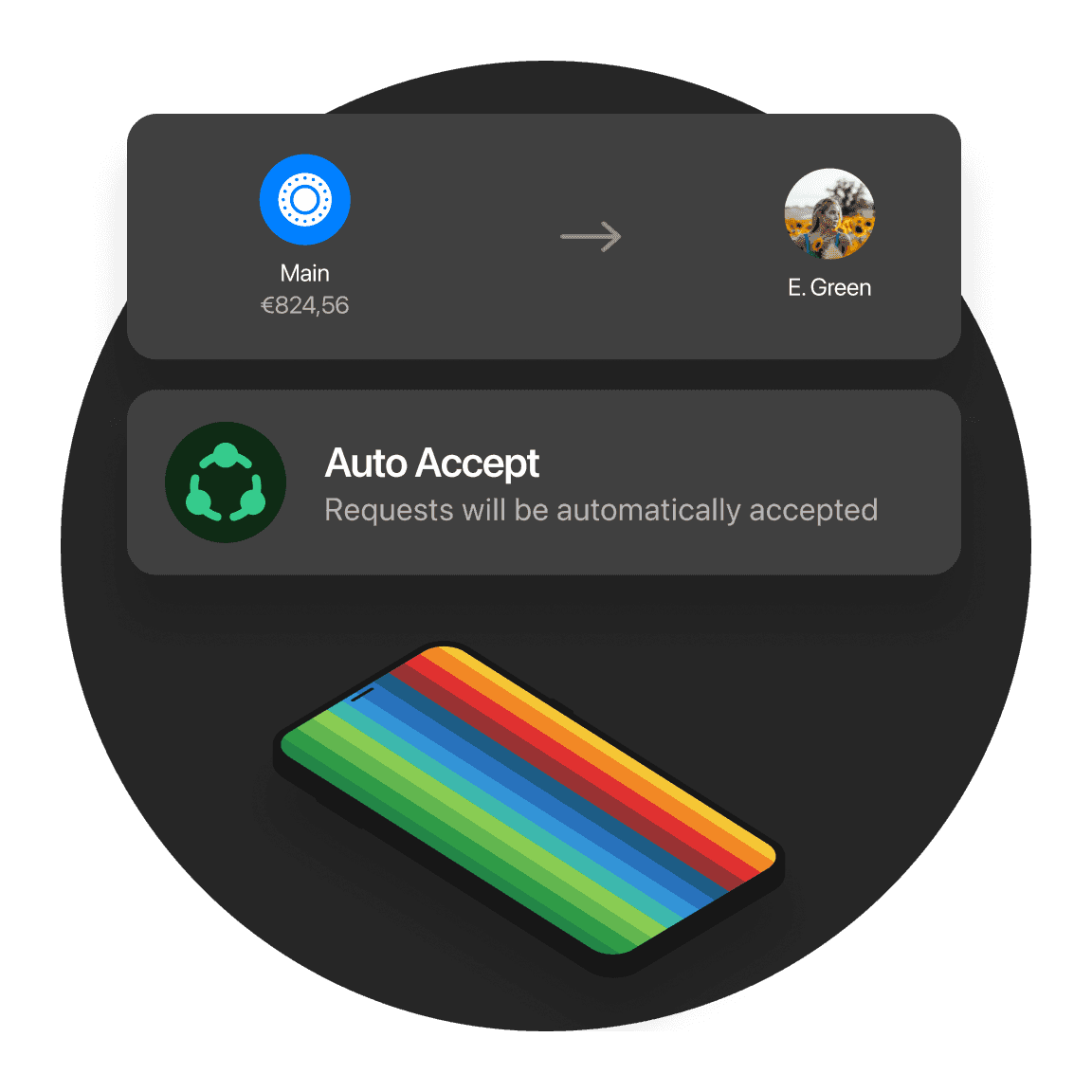
Approve trusted payments automatically
Add contacts you trust and bunq approves their requests automatically—up to a limit you set.
Approve trusted payments automatically
Add contacts you trust and bunq approves their requests automatically—up to a limit you set.
Request a refund in a few taps
Open a card payment in the app and submit a refund request if something went wrong—we'll work to get your money back.
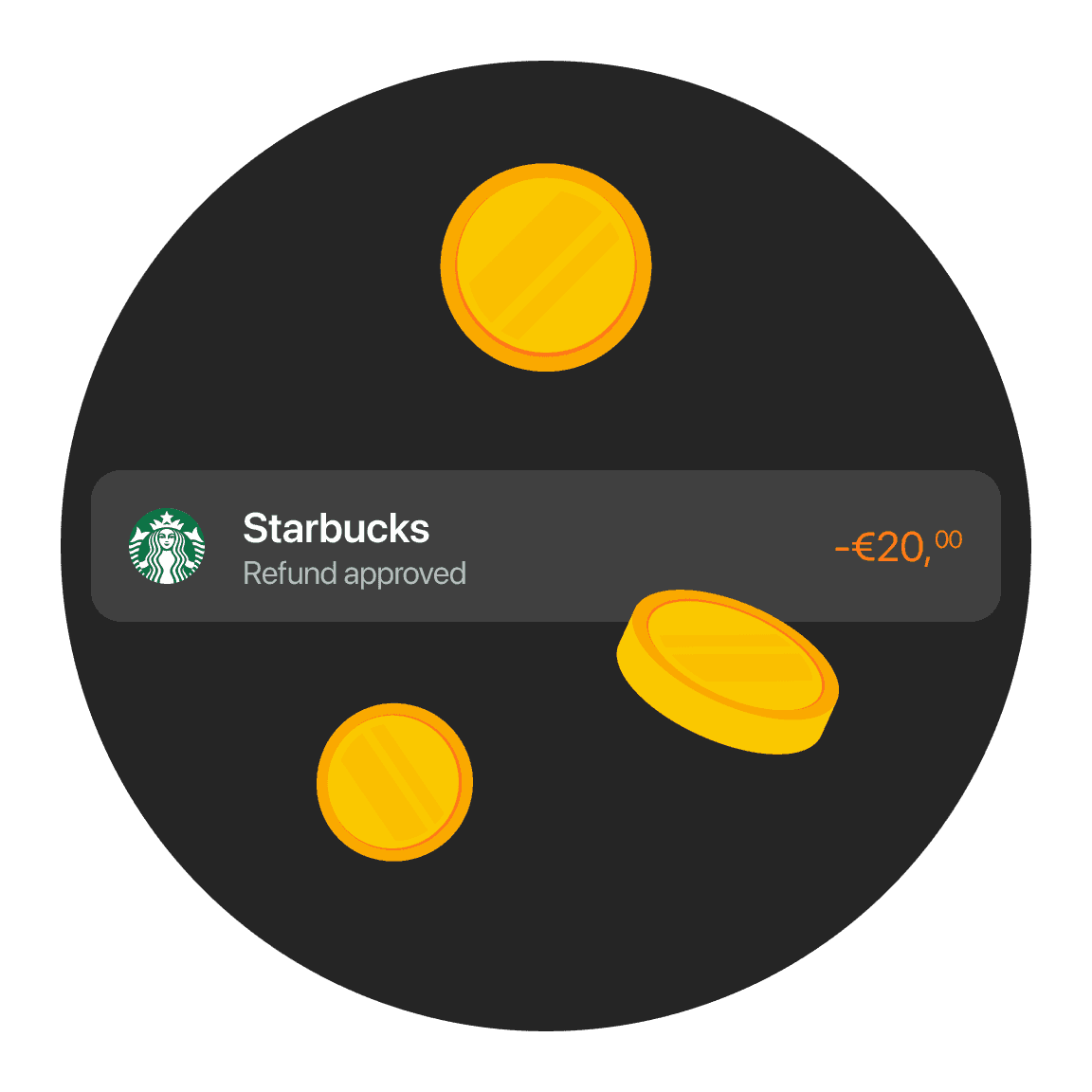
Request a refund in a few taps
Open a card payment in the app and submit a refund request if something went wrong—we'll work to get your money back.
Request a refund in a few taps
Open a card payment in the app and submit a refund request if something went wrong—we'll work to get your money back.
Pay with a phone number or email
Send money with bunq.to—no IBAN needed. Your contact chooses where the payment lands.
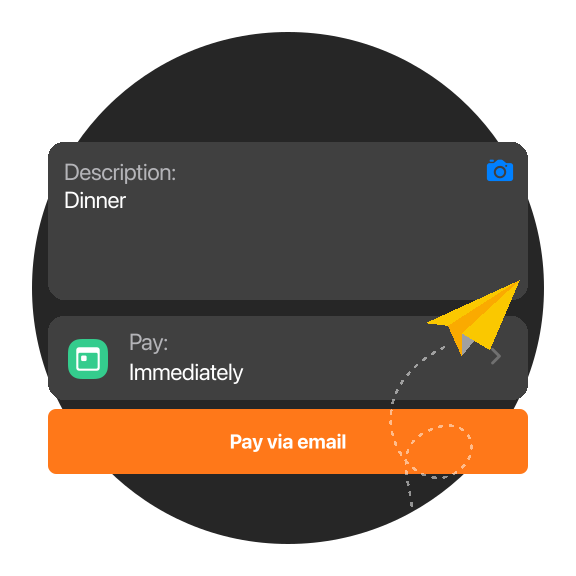
Pay with a phone number or email
Send money with bunq.to—no IBAN needed. Your contact chooses where the payment lands.
Pay with a phone number or email
Send money with bunq.to—no IBAN needed. Your contact chooses where the payment lands.
Split a payment at the table
Add a tip and split the total with friends instantly—everyone pays their share without waiting for the bill.
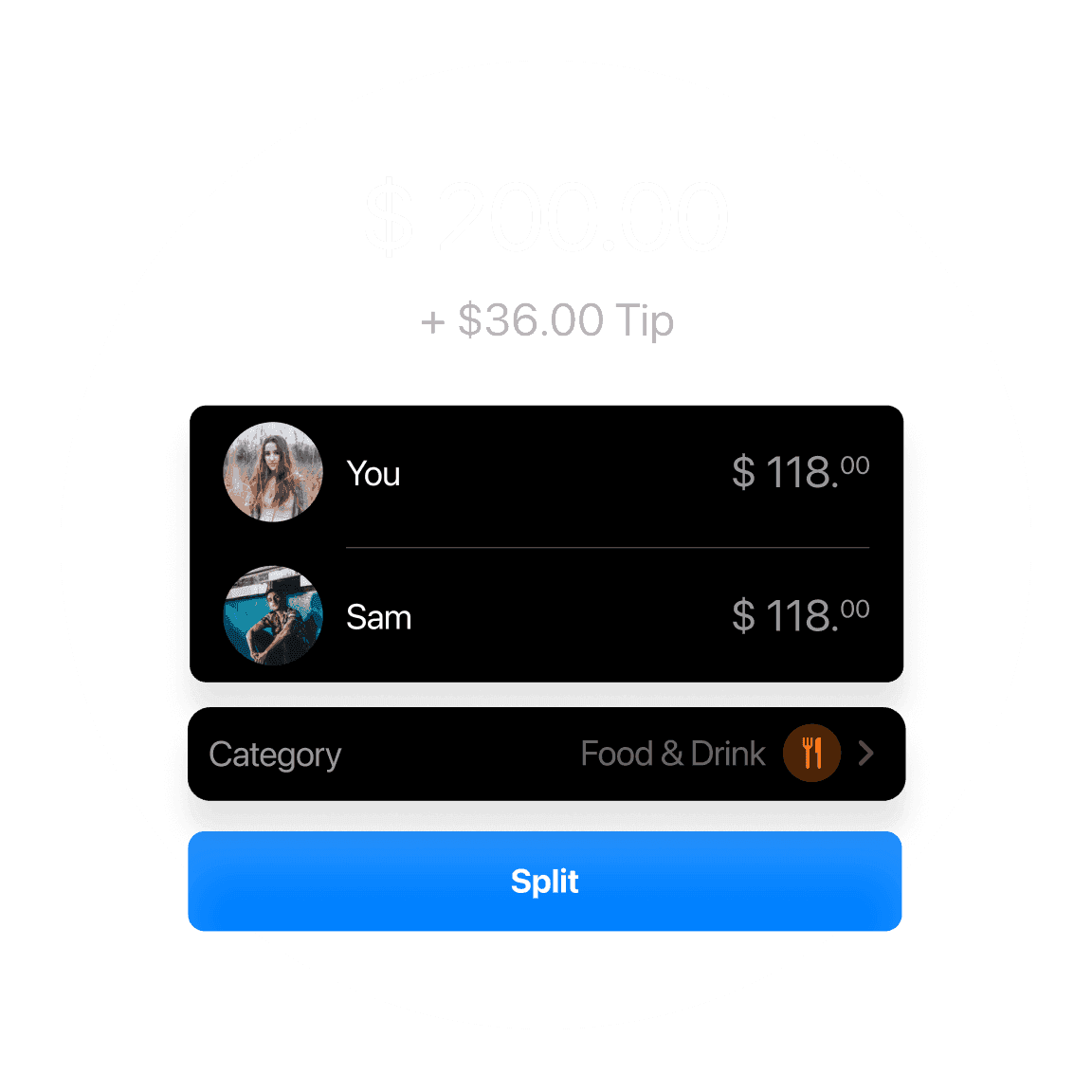
Split a payment at the table
Add a tip and split the total with friends instantly—everyone pays their share without waiting for the bill.
Split a payment at the table
Add a tip and split the total with friends instantly—everyone pays their share without waiting for the bill.
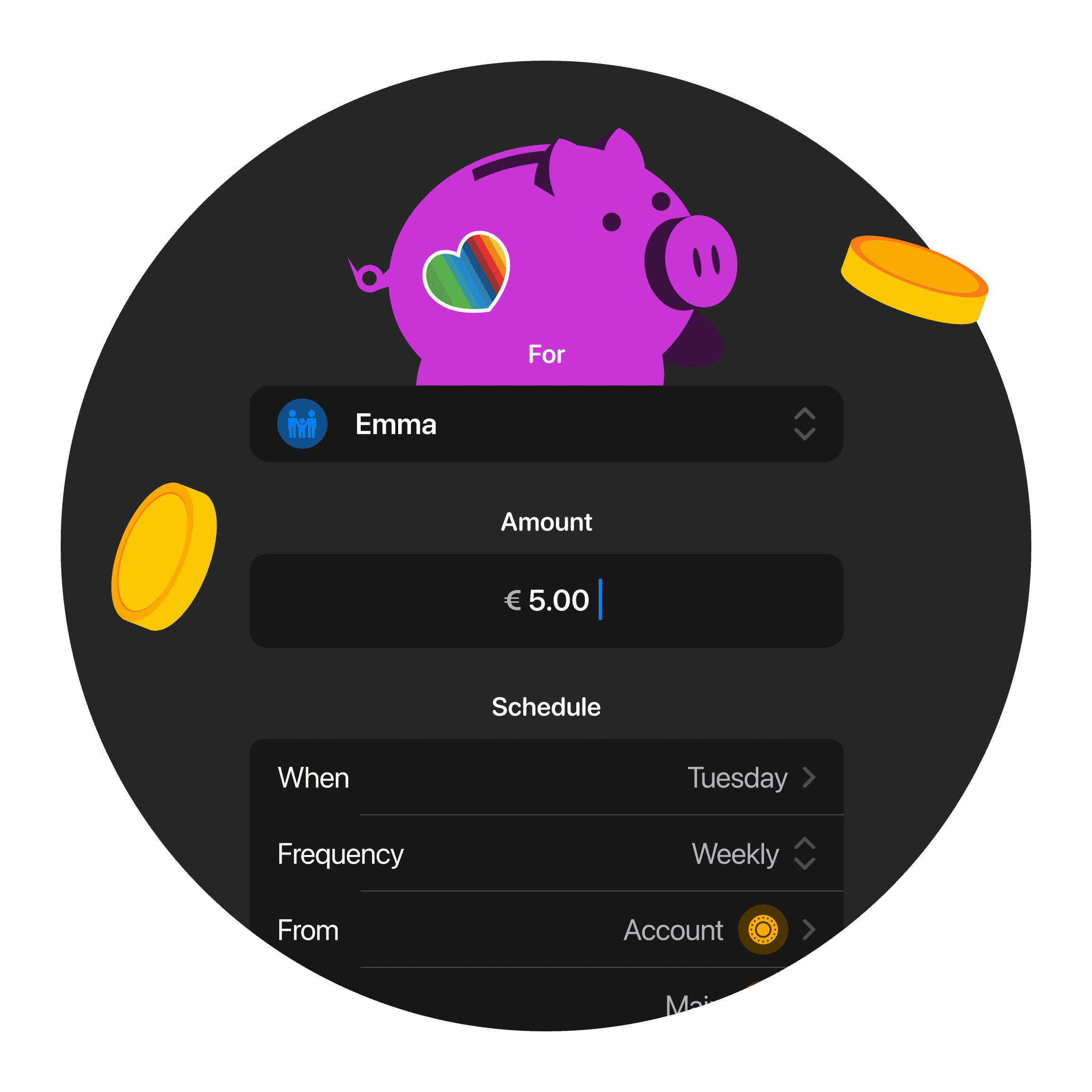
Never forget Pocket Money again
Automate your child's pocket money. Set up payments once so you never forget, and get age-based allowance recommendations to help you choose the right amount.
Never forget Pocket Money again
Automate your child's pocket money. Set up payments once so you never forget, and get age-based allowance recommendations to help you choose the right amount.
Never forget Pocket Money again
Automate your child's pocket money. Set up payments once so you never forget, and get age-based allowance recommendations to help you choose the right amount.
Pay instantly in Spain with Bizum
Link your Bank Account and send Bizum payments to friends and businesses in Spain—right from the bunq app.
Pay instantly in Spain with Bizum
Link your Bank Account and send Bizum payments to friends and businesses in Spain—right from the bunq app.
Pay instantly in Spain with Bizum
Link your Bank Account and send Bizum payments to friends and businesses in Spain—right from the bunq app.
Risk indicator for this account
1 / 6
This number indicates the product's risk, where 1/6 indicates lower risk and 6/6 indicates higher risk.
bunq B.V. is a member of the Dutch Deposit Guarantee Fund. The maximum guaranteed amount is €100,000 per user.
Risk indicator for this account
1 / 6
This number indicates the product's risk, where 1/6 indicates lower risk and 6/6 indicates higher risk.
bunq B.V. is a member of the Dutch Deposit Guarantee Fund. The maximum guaranteed amount is €100,000 per user.
Risk indicator for this account
1 / 6
This number indicates the product's risk, where 1/6 indicates lower risk and 6/6 indicates higher risk.
bunq B.V. is a member of the Dutch Deposit Guarantee Fund. The maximum guaranteed amount is €100,000 per user.
Choose your personal plan
Start simple. Upgrade when you need more savings, spending, and travel tools.
Choose your personal plan
Start simple. Upgrade when you need more savings, spending, and travel tools.
Choose your personal plan
Start simple. Upgrade when you need more savings, spending, and travel tools.
Payment questions answered
Instant Payments, requests, bunq.me, and Income Organizer.
Limits: €1,500 total per week on bunq.me; iDEAL up to €1,500 per day; Bancontact up to €1,000 per payment; cards €10–€500 per payment.
Fees: iDEAL and Bancontact receipts are free on Personal (€0.27 on Business). Card-funded bunq.me costs 2.5% on Personal and 2.5% + €0.27 on Business. See bunq.com pricing for the full table.
Organize Your Income automatically splits incoming payments (like salary) into other Bank Accounts, stocks, or ETFs, by percentage or fixed amounts. Set it up once for a recurring payment and future matching deposits are sorted for you (bunq Pro and Elite).
Go to your Bank Account → Settings → Scheduled payments, then create a one-off or recurring payment with amount, recipient, and date. You can edit or cancel scheduled payments from the same screen.
From Home, tap Request, enter the amount and recipient, then send. You can also share a bunq.me link or QR so anyone can pay you by iDEAL, card, or other methods on your payment page.
Yes. SEPA Instant Payments reach participating banks in seconds (up to about 10 seconds) and work 24/7, including weekends. Send and receive from Payments; Business plans have yearly free allowances before per-transfer fees apply.
Payment questions answered
Instant Payments, requests, bunq.me, and Income Organizer.
Instant Payments are included with all Personal plans at no extra cost. Business plans include a set number of free instant transfers per year; see your plan for allowances and any fee after that.
Limits: €1,500 total per week on bunq.me; iDEAL up to €1,500 per day; Bancontact up to €1,000 per payment; cards €10–€500 per payment.
Fees: iDEAL and Bancontact receipts are free on Personal (€0.27 on Business). Card-funded bunq.me costs 2.5% on Personal and 2.5% + €0.27 on Business. See bunq.com pricing for the full table.
Organize Your Income automatically splits incoming payments (like salary) into other Bank Accounts, stocks, or ETFs, by percentage or fixed amounts. Set it up once for a recurring payment and future matching deposits are sorted for you (bunq Pro and Elite).
Go to your Bank Account → Settings → Scheduled payments, then create a one-off or recurring payment with amount, recipient, and date. You can edit or cancel scheduled payments from the same screen.
From Home, tap Request, enter the amount and recipient, then send. You can also share a bunq.me link or QR so anyone can pay you by iDEAL, card, or other methods on your payment page.
Yes. SEPA Instant Payments reach participating banks in seconds (up to about 10 seconds) and work 24/7, including weekends. Send and receive from Payments; Business plans have yearly free allowances before per-transfer fees apply.
Payment questions answered
Instant Payments, requests, bunq.me, and Income Organizer.
Instant Payments are included with all Personal plans at no extra cost. Business plans include a set number of free instant transfers per year; see your plan for allowances and any fee after that.
Limits: €1,500 total per week on bunq.me; iDEAL up to €1,500 per day; Bancontact up to €1,000 per payment; cards €10–€500 per payment.
Fees: iDEAL and Bancontact receipts are free on Personal (€0.27 on Business). Card-funded bunq.me costs 2.5% on Personal and 2.5% + €0.27 on Business. See bunq.com pricing for the full table.
Organize Your Income automatically splits incoming payments (like salary) into other Bank Accounts, stocks, or ETFs, by percentage or fixed amounts. Set it up once for a recurring payment and future matching deposits are sorted for you (bunq Pro and Elite).
Go to your Bank Account → Settings → Scheduled payments, then create a one-off or recurring payment with amount, recipient, and date. You can edit or cancel scheduled payments from the same screen.
From Home, tap Request, enter the amount and recipient, then send. You can also share a bunq.me link or QR so anyone can pay you by iDEAL, card, or other methods on your payment page.
Yes. SEPA Instant Payments reach participating banks in seconds (up to about 10 seconds) and work 24/7, including weekends. Send and receive from Payments; Business plans have yearly free allowances before per-transfer fees apply.
Open your Personal Account today
Send, request, and schedule payments from your phone.
Open your Personal Account today
Send, request, and schedule payments from your phone.
Open your Personal Account today
Send, request, and schedule payments from your phone.
Related articles
More guides on banking with bunq.


Related articles
More guides on banking with bunq.
Related articles
More guides on banking with bunq.