No. bunq doesn’t automatically declare or file your taxes. You’ll receive a tax statement with your capital gains, and you’re responsible for reporting those figures to your local tax authority.
Invest in Stocks from the bunq app
Start with €10 and trade without switching apps. No transaction fees for your first 3 months, on up to €100,000 of trading volume.
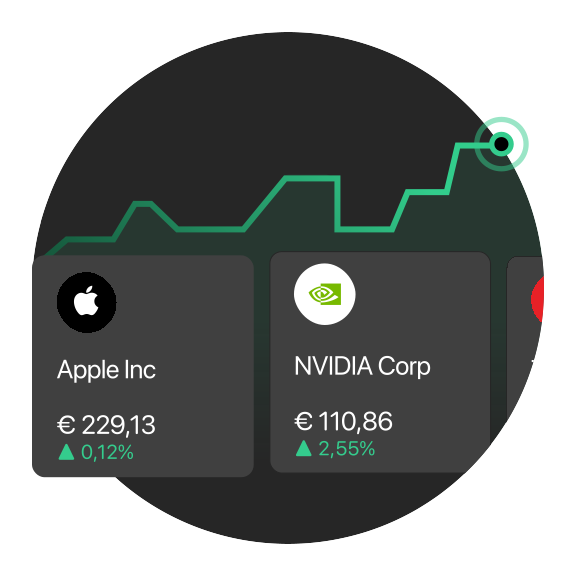
Invest in Stocks from the bunq app
Start with €10 and trade without switching apps. No transaction fees for your first 3 months, on up to €100,000 of trading volume.
Invest in Stocks from the bunq app
Start with €10 and trade without switching apps. No transaction fees for your first 3 months, on up to €100,000 of trading volume.
Invest without a separate trading app
Browse stocks and ETFs in bunq and see how your portfolio performs alongside your everyday accounts.
*
Investment services are provided by Ginmon. Please note that all investments carry a high risk of total or partial capital loss. The information contained on this page does not constitute a personal recommendation, investment advice, or an invitation to make any investment decision. Therefore, you should carefully consider your financial situation, consult the applicable documents and information, or seek independent professional advice before initiating any financial transactions or subscribing to new investment services.
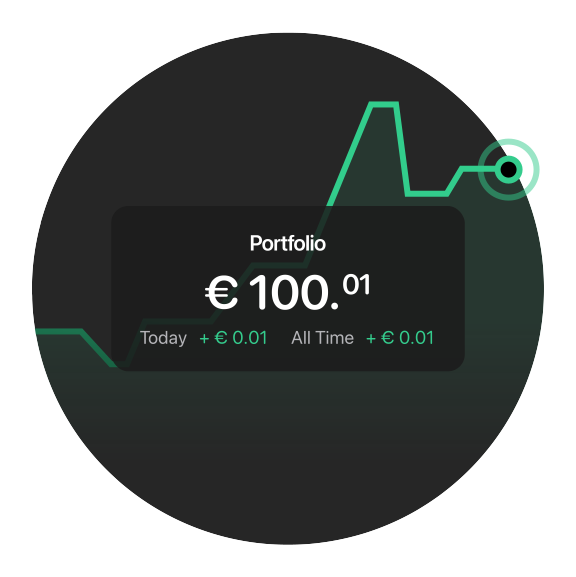
Invest without a separate trading app
Browse stocks and ETFs in bunq and see how your portfolio performs alongside your everyday accounts.
*
Investment services are provided by Ginmon. Please note that all investments carry a high risk of total or partial capital loss. The information contained on this page does not constitute a personal recommendation, investment advice, or an invitation to make any investment decision. Therefore, you should carefully consider your financial situation, consult the applicable documents and information, or seek independent professional advice before initiating any financial transactions or subscribing to new investment services.
Invest without a separate trading app
Browse stocks and ETFs in bunq and see how your portfolio performs alongside your everyday accounts.
*
Investment services are provided by Ginmon. Please note that all investments carry a high risk of total or partial capital loss. The information contained on this page does not constitute a personal recommendation, investment advice, or an invitation to make any investment decision. Therefore, you should carefully consider your financial situation, consult the applicable documents and information, or seek independent professional advice before initiating any financial transactions or subscribing to new investment services.
Not sure where to start?
Start building long-term wealth with ease. Choose what matters to you, create a personalized basket of stocks and ETFs, and start investing.

Not sure where to start?
Start building long-term wealth with ease. Choose what matters to you, create a personalized basket of stocks and ETFs, and start investing.
Not sure where to start?
Start building long-term wealth with ease. Choose what matters to you, create a personalized basket of stocks and ETFs, and start investing.
No transaction fees for 3 months, up to €100,000 traded
Trade Stocks with no transaction fee for the first 3 months, on up to €100,000 of trading volume in total. Once you reach either limit, it's 0.99% per order, or 0.79% on bunq Pro and 0.49% on bunq Elite.

No transaction fees for 3 months, up to €100,000 traded
Trade Stocks with no transaction fee for the first 3 months, on up to €100,000 of trading volume in total. Once you reach either limit, it's 0.99% per order, or 0.79% on bunq Pro and 0.49% on bunq Elite.
No transaction fees for 3 months, up to €100,000 traded
Trade Stocks with no transaction fee for the first 3 months, on up to €100,000 of trading volume in total. Once you reach either limit, it's 0.99% per order, or 0.79% on bunq Pro and 0.49% on bunq Elite.
Invest automatically from your salary
Route part of your income to Stocks each month—set it once and build your portfolio over time.
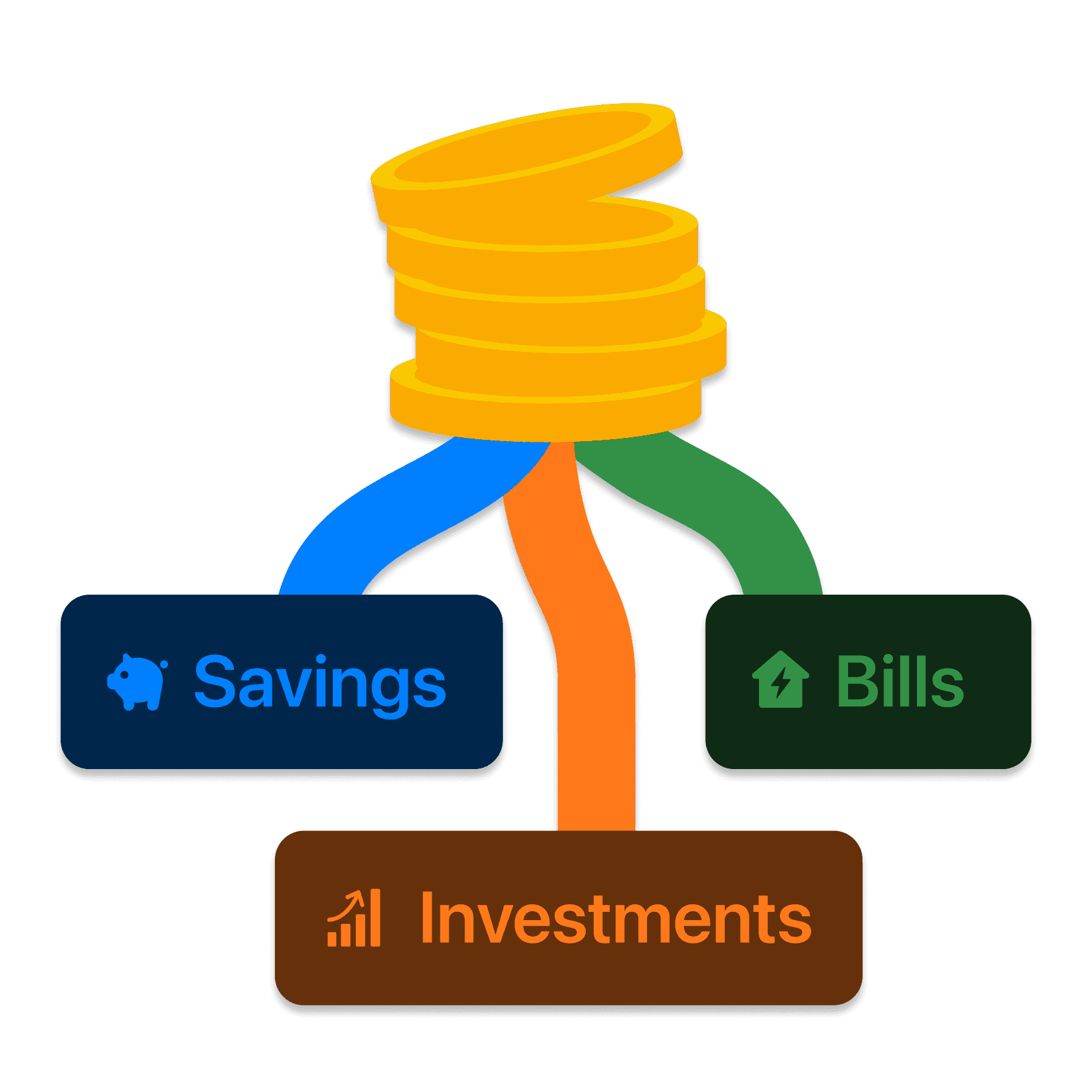
Invest automatically from your salary
Route part of your income to Stocks each month—set it once and build your portfolio over time.
Invest automatically from your salary
Route part of your income to Stocks each month—set it once and build your portfolio over time.
Automate your investments
Invest your spare change, schedule recurring investments with ease, and automatically organize your money.
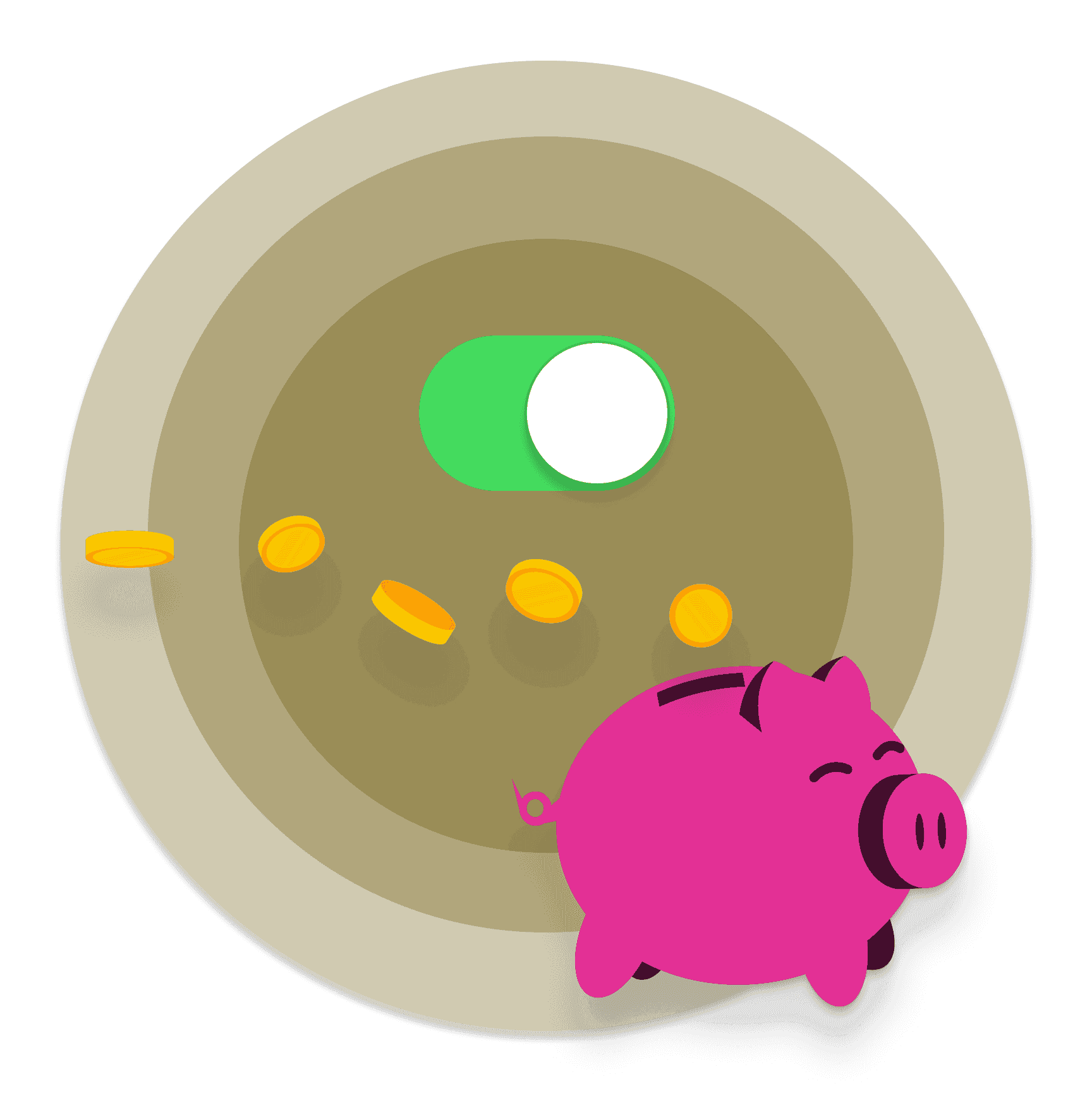
Automate your investments
Invest your spare change, schedule recurring investments with ease, and automatically organize your money.
Automate your investments
Invest your spare change, schedule recurring investments with ease, and automatically organize your money.
Get help choosing your first investment
Not sure where to start? Pick from three popular ETFs from our partner Ginmon and begin with confidence.
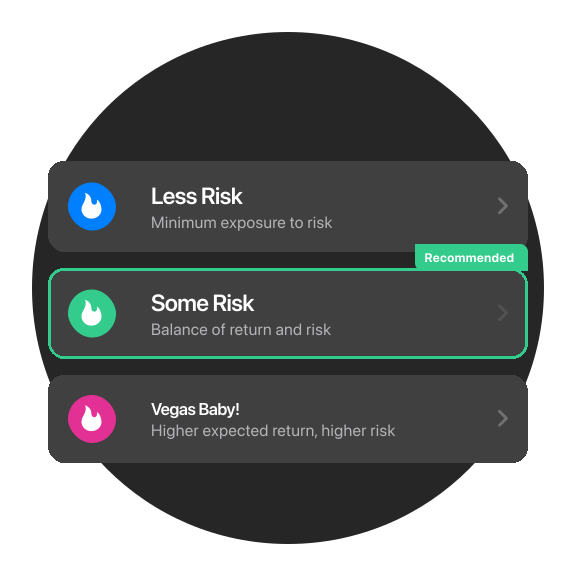
Get help choosing your first investment
Not sure where to start? Pick from three popular ETFs from our partner Ginmon and begin with confidence.
Get help choosing your first investment
Not sure where to start? Pick from three popular ETFs from our partner Ginmon and begin with confidence.
Choose your personal plan
Start simple. Upgrade when you need more savings, spending, and travel tools.
Choose your personal plan
Start simple. Upgrade when you need more savings, spending, and travel tools.
Choose your personal plan
Start simple. Upgrade when you need more savings, spending, and travel tools.
Stocks questions answered
What you can invest in, fees, dividends, and taxes.
Some French, Italian, and Spanish stocks are subject to a Financial Transaction Tax (FTT), shown in the app before you confirm a purchase and added to the trade cost. You’ll also get a tax statement for capital gains to declare yourself. bunq doesn’t file taxes on your behalf.
If a stock or ETF you own pays dividends, those dividend payments are automatically deposited into the Bank Account you’ve selected for dividends. You can change this preferred account in the ⚙️ Settings under “Paid to” for Dividends.
Trades and fees are taken from the Bank Account you select when you buy or sell. In the Stocks tab, open a trade, tap Buy, and choose which Bank Account to use before you confirm.
You can invest in a variety of carefully selected financial products through bunq’s Stocks tab, including individual stocks and Exchange-Traded Funds (ETFs).
Stocks questions answered
What you can invest in, fees, dividends, and taxes.
No. bunq doesn’t automatically declare or file your taxes. You’ll receive a tax statement with your capital gains, and you’re responsible for reporting those figures to your local tax authority.
Some French, Italian, and Spanish stocks are subject to a Financial Transaction Tax (FTT), shown in the app before you confirm a purchase and added to the trade cost. You’ll also get a tax statement for capital gains to declare yourself. bunq doesn’t file taxes on your behalf.
If a stock or ETF you own pays dividends, those dividend payments are automatically deposited into the Bank Account you’ve selected for dividends. You can change this preferred account in the ⚙️ Settings under “Paid to” for Dividends.
Trades and fees are taken from the Bank Account you select when you buy or sell. In the Stocks tab, open a trade, tap Buy, and choose which Bank Account to use before you confirm.
You can invest in a variety of carefully selected financial products through bunq’s Stocks tab, including individual stocks and Exchange-Traded Funds (ETFs).
Stocks questions answered
What you can invest in, fees, dividends, and taxes.
No. bunq doesn’t automatically declare or file your taxes. You’ll receive a tax statement with your capital gains, and you’re responsible for reporting those figures to your local tax authority.
Some French, Italian, and Spanish stocks are subject to a Financial Transaction Tax (FTT), shown in the app before you confirm a purchase and added to the trade cost. You’ll also get a tax statement for capital gains to declare yourself. bunq doesn’t file taxes on your behalf.
If a stock or ETF you own pays dividends, those dividend payments are automatically deposited into the Bank Account you’ve selected for dividends. You can change this preferred account in the ⚙️ Settings under “Paid to” for Dividends.
Trades and fees are taken from the Bank Account you select when you buy or sell. In the Stocks tab, open a trade, tap Buy, and choose which Bank Account to use before you confirm.
You can invest in a variety of carefully selected financial products through bunq’s Stocks tab, including individual stocks and Exchange-Traded Funds (ETFs).
Open your Personal Account today
Start investing in Stocks from the bunq app.
Open your Personal Account today
Start investing in Stocks from the bunq app.
Open your Personal Account today
Start investing in Stocks from the bunq app.
Related articles
More guides on banking with bunq.



Related articles
More guides on banking with bunq.
Related articles
More guides on banking with bunq.