You’ll need a smartphone with the bunq app, a supported ID, a residential address in a supported EEA country, and your Tax Identification Number (TIN). Signup is fully digital and designed to take about five minutes.
Switch banks with zero effort
Switch Service forwards incoming payments and Direct Debits from your old bank to bunq.
Switch banks with zero effort
Switch Service forwards incoming payments and Direct Debits from your old bank to bunq.
Switch banks with zero effort
Switch Service forwards incoming payments and Direct Debits from your old bank to bunq.
What's Switch Service?
Request Switch Service in the app and bunq redirects payments from your previous account(s). You don't need to contact every supplier yourself.
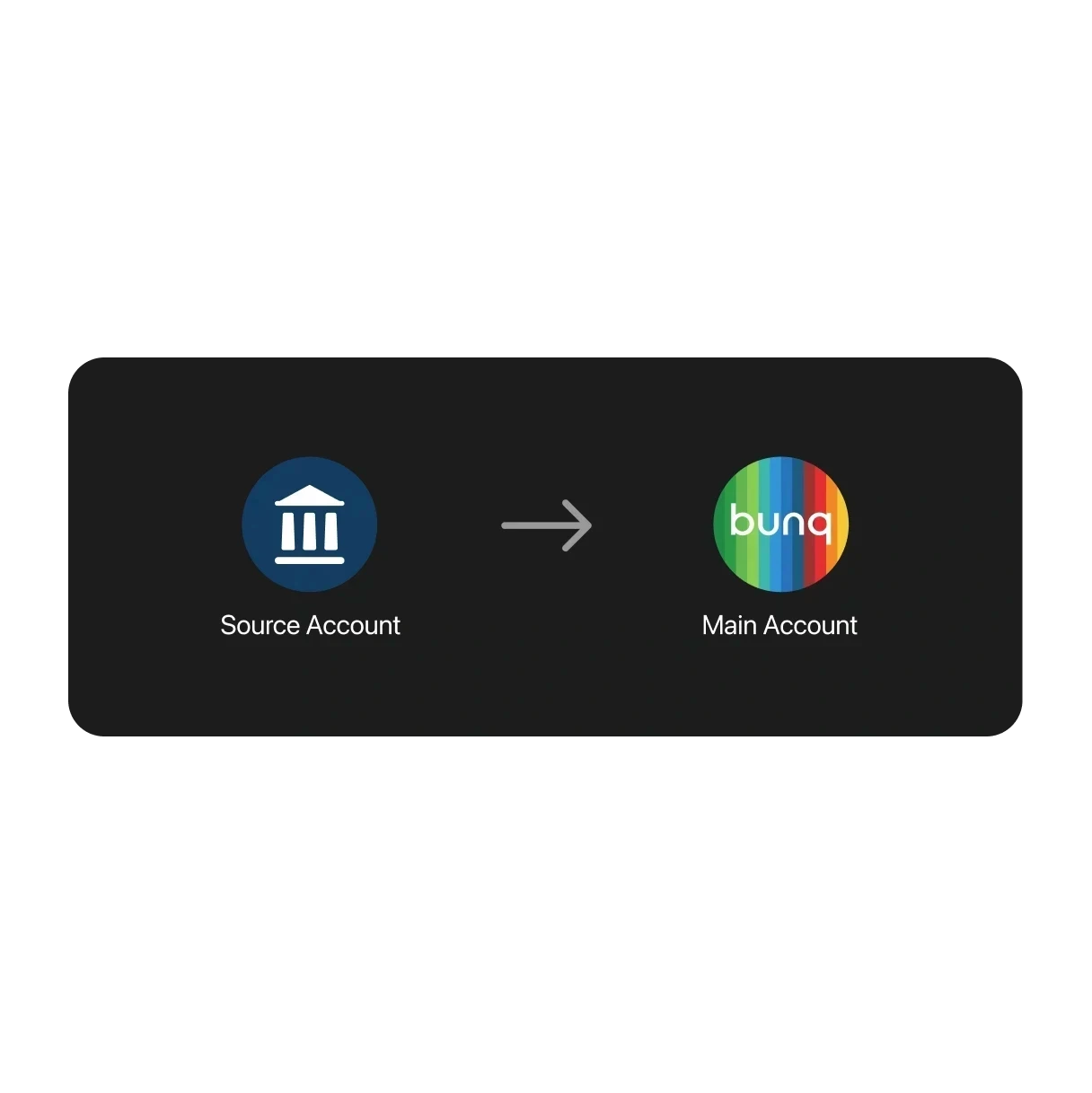
What's Switch Service?
Request Switch Service in the app and bunq redirects payments from your previous account(s). You don't need to contact every supplier yourself.
What's Switch Service?
Request Switch Service in the app and bunq redirects payments from your previous account(s). You don't need to contact every supplier yourself.
24/7 Online Support during your switch
Questions while you move banks? Chat with support at any step of the Switch Service process, directly in your bunq app.
24/7 Online Support during your switch
Questions while you move banks? Chat with support at any step of the Switch Service process, directly in your bunq app.
24/7 Online Support during your switch
Questions while you move banks? Chat with support at any step of the Switch Service process, directly in your bunq app.
Choose your plan
Start simple. Upgrade when you need more savings, spending, and travel tools.
Choose your plan
Start simple. Upgrade when you need more savings, spending, and travel tools.
Choose your plan
Start simple. Upgrade when you need more savings, spending, and travel tools.
Switch Service questions answered
How switching works, timelines, and opening a Personal Account.
No branch visit is needed. Opening a Personal Bank Account is fully online: download the bunq app, follow signup, and verify your identity with your phone and a supported ID.
Instant Payments are included with all Personal plans at no extra cost. Business plans include a set number of free instant transfers per year; see your plan for allowances and any fee after that.
Yes. You can switch between bunq Free, bunq Core, bunq Pro, and bunq Elite anytime in the app. Your new plan usually starts when your current billing cycle ends (upgrades from Free start right away).
The Bank Switch Service redirects incoming payments and direct debits to your bunq account. In the app go to Profile → Settings → Switch Service, pick your bunq Bank Account, and submit the request (available in France, Germany, Ireland, and the Netherlands).
Open Profile → Support for 24/7 in-app chat. For urgent card or access issues, call the SOS line shown in the app (+31 20 808 3666). You can also email support@bunq.com from your linked address.
Switch Service questions answered
How switching works, timelines, and opening a Personal Account.
You’ll need a smartphone with the bunq app, a supported ID, a residential address in a supported EEA country, and your Tax Identification Number (TIN). Signup is fully digital and designed to take about five minutes.
No branch visit is needed. Opening a Personal Bank Account is fully online: download the bunq app, follow signup, and verify your identity with your phone and a supported ID.
Instant Payments are included with all Personal plans at no extra cost. Business plans include a set number of free instant transfers per year; see your plan for allowances and any fee after that.
Yes. You can switch between bunq Free, bunq Core, bunq Pro, and bunq Elite anytime in the app. Your new plan usually starts when your current billing cycle ends (upgrades from Free start right away).
The Bank Switch Service redirects incoming payments and direct debits to your bunq account. In the app go to Profile → Settings → Switch Service, pick your bunq Bank Account, and submit the request (available in France, Germany, Ireland, and the Netherlands).
Open Profile → Support for 24/7 in-app chat. For urgent card or access issues, call the SOS line shown in the app (+31 20 808 3666). You can also email support@bunq.com from your linked address.
Switch Service questions answered
How switching works, timelines, and opening a Personal Account.
You’ll need a smartphone with the bunq app, a supported ID, a residential address in a supported EEA country, and your Tax Identification Number (TIN). Signup is fully digital and designed to take about five minutes.
No branch visit is needed. Opening a Personal Bank Account is fully online: download the bunq app, follow signup, and verify your identity with your phone and a supported ID.
Instant Payments are included with all Personal plans at no extra cost. Business plans include a set number of free instant transfers per year; see your plan for allowances and any fee after that.
Yes. You can switch between bunq Free, bunq Core, bunq Pro, and bunq Elite anytime in the app. Your new plan usually starts when your current billing cycle ends (upgrades from Free start right away).
The Bank Switch Service redirects incoming payments and direct debits to your bunq account. In the app go to Profile → Settings → Switch Service, pick your bunq Bank Account, and submit the request (available in France, Germany, Ireland, and the Netherlands).
Open Profile → Support for 24/7 in-app chat. For urgent card or access issues, call the SOS line shown in the app (+31 20 808 3666). You can also email support@bunq.com from your linked address.
Open your Personal Account today
Start Switch Service once your Personal Account is open.
Open your Personal Account today
Start Switch Service once your Personal Account is open.
Open your Personal Account today
Start Switch Service once your Personal Account is open.
Related articles
More guides on banking with bunq.


Related articles
More guides on banking with bunq.
Related articles
More guides on banking with bunq.