You’ll need a smartphone with the bunq app, a supported ID, a residential address in a supported EEA country, and your Tax Identification Number (TIN). Signup is fully digital and designed to take about five minutes.
Bank Accounts with unique IBANs
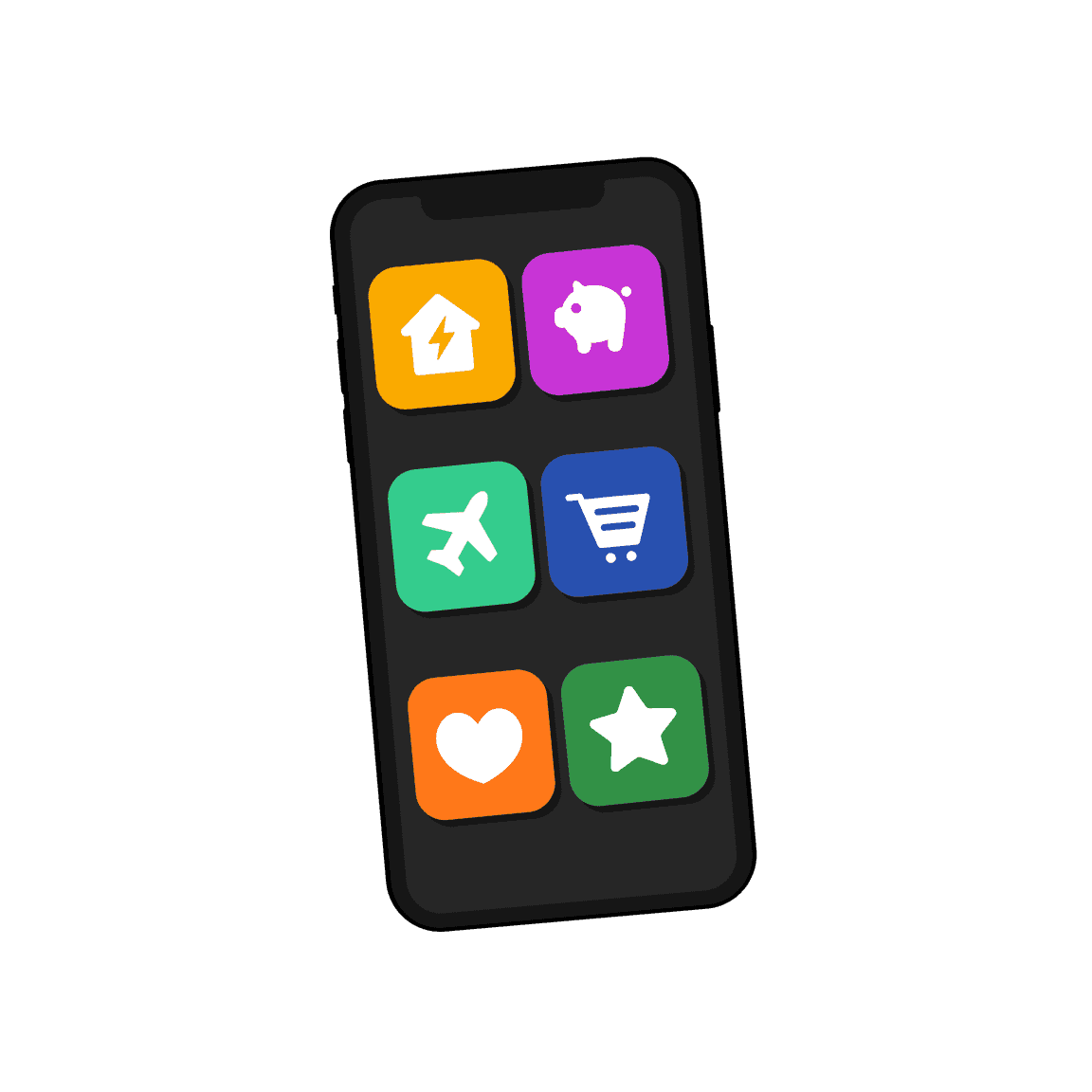
Create up to 25 Bank Accounts online in minutes. Split rent, travel, and daily spending—and pay from the right balance every time.
Bank Accounts with unique IBANs
Create up to 25 Bank Accounts online in minutes. Split rent, travel, and daily spending—and pay from the right balance every time.
Bank Accounts with unique IBANs
Create up to 25 Bank Accounts online in minutes. Split rent, travel, and daily spending—and pay from the right balance every time.
Split money across Bank Accounts
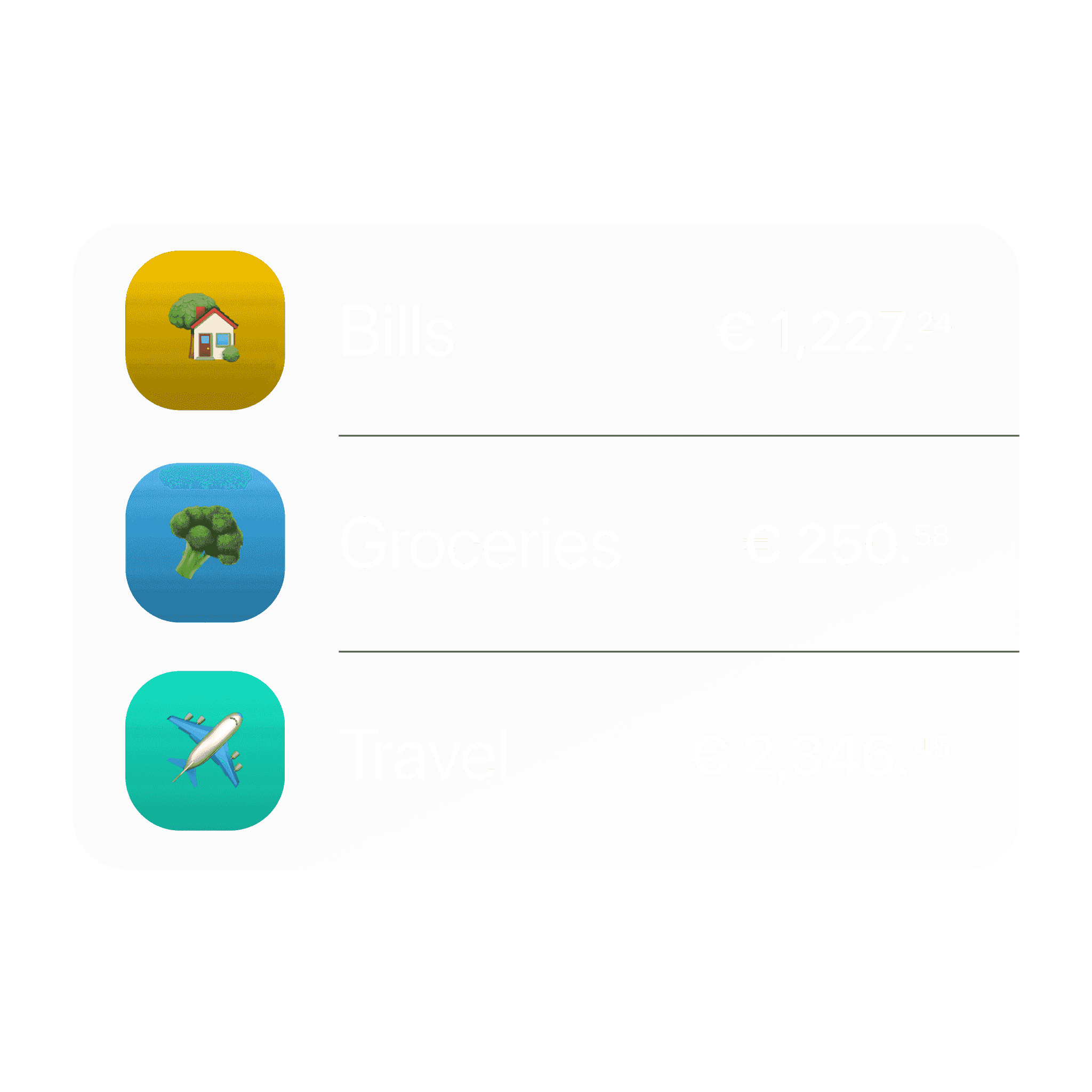
Rent, holidays, and bills shouldn't share one balance. Open up to 25 Bank Accounts—each with its own IBAN for transfers and Direct Debits.
Split money across Bank Accounts
Rent, holidays, and bills shouldn't share one balance. Open up to 25 Bank Accounts—each with its own IBAN for transfers and Direct Debits.
Split money across Bank Accounts
Rent, holidays, and bills shouldn't share one balance. Open up to 25 Bank Accounts—each with its own IBAN for transfers and Direct Debits.
Sort income into the right accounts automatically
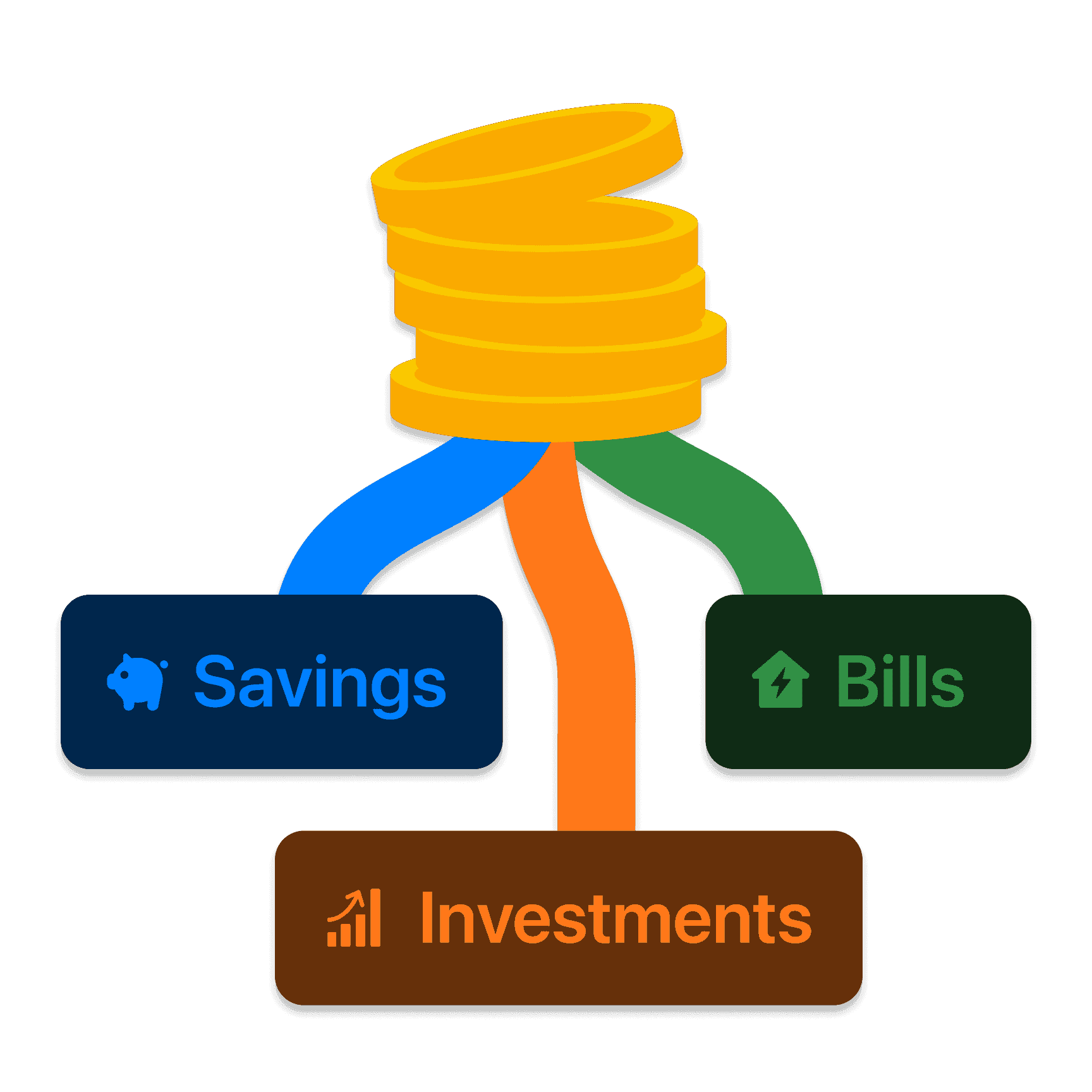
Income Organizer routes incoming payments to your Bank Accounts—less manual sorting at the start of each month.
Sort income into the right accounts automatically
Income Organizer routes incoming payments to your Bank Accounts—less manual sorting at the start of each month.
Sort income into the right accounts automatically
Income Organizer routes incoming payments to your Bank Accounts—less manual sorting at the start of each month.
Earn up to 3.11%* interest, paid weekly
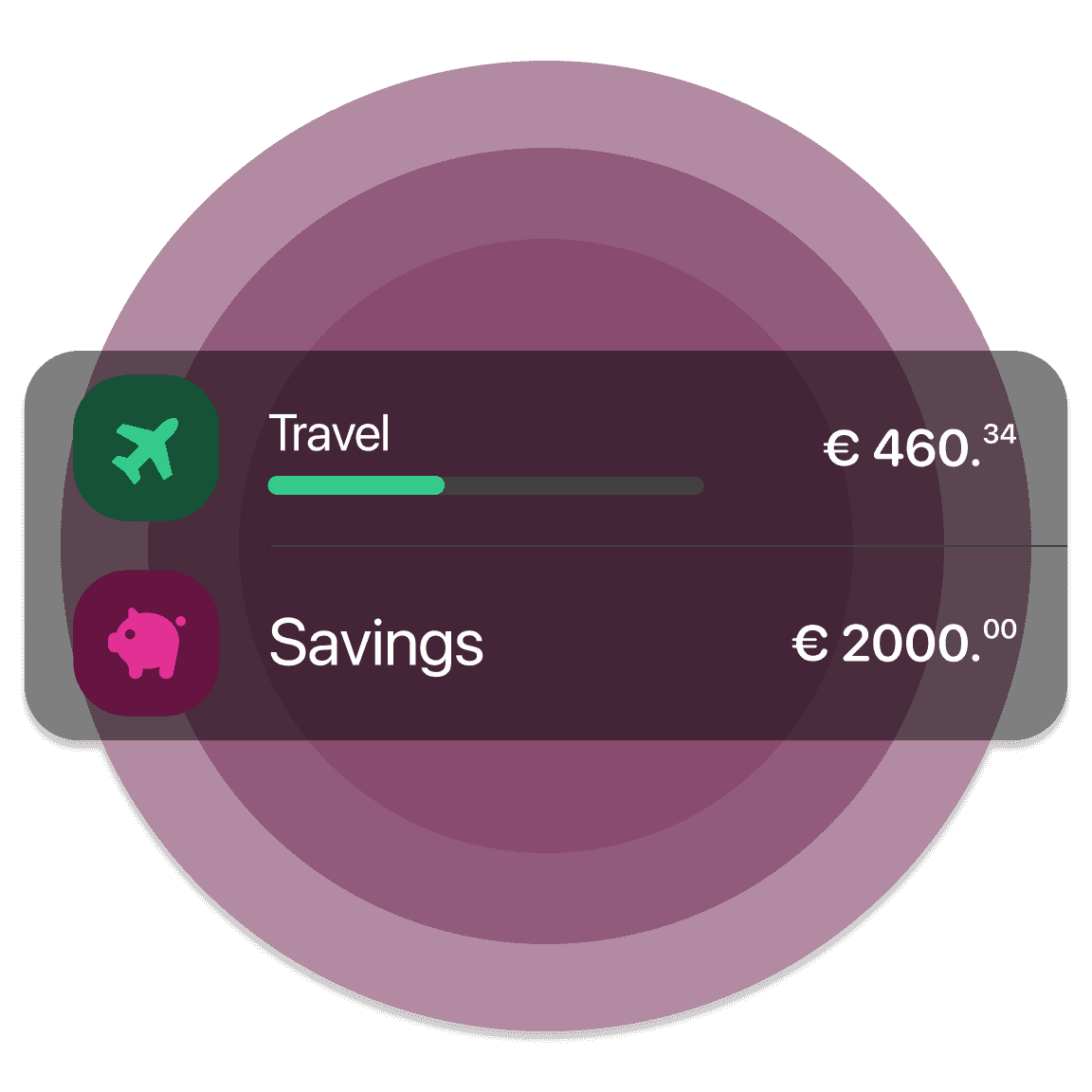
Grow savings with a competitive rate and weekly payouts. Compound interest helps you reach goals faster without extra steps.
Earn up to 3.11%* interest, paid weekly
Grow savings with a competitive rate and weekly payouts. Compound interest helps you reach goals faster without extra steps.
Earn up to 3.11%* interest, paid weekly
Grow savings with a competitive rate and weekly payouts. Compound interest helps you reach goals faster without extra steps.
Disclaimer
* bunq savings account (individual, joint or child account), available on all bunq subscriptions, including the free plan, with no management fees. Gross annual rates. Your threshold is the highest balance reached over the last 6 months. The part of your savings up to your threshold earns a fixed base rate of 1.61% on the first €10,000 and 1.51% above €10,000. The part above your threshold earns a fixed bonus rate of 3.11% instead of the base rate: the advertised “up to 3.11%” rate therefore only applies to amounts above your threshold. The rates do not change; it is your threshold — and thus the amount to which each rate applies — that evolves over time. These rates are not promotional and have no end date. Interest is calculated and paid pro rata each week. Example: with a threshold of €5,000 and a balance of €10,000, you earn 1.61% on the €5,000 up to your threshold and 3.11% on the €5,000 above it, i.e. approximately €118.89 over 6 months (new threshold: €10,118.89). After an additional deposit of €5,000, you earn 1.61% on €10,000, 1.51% on €118.89 and 3.11% on €5,000, i.e. approximately €160.34 over the following 6 months, or approximately €279.23 over 12 months in total (assuming interest is kept in the account; amounts vary depending on your deposit day). Interest is paid on savings up to €100,000. bunq B.V., Basisweg 32, 1043 AP Amsterdam, Netherlands — credit institution authorized in the Netherlands, operating in France under the freedom to provide services. Terms at bunq.com.
See spending across all your accounts
Track trends, compare categories, and connect bunq and external Bank Accounts for one view of your money.
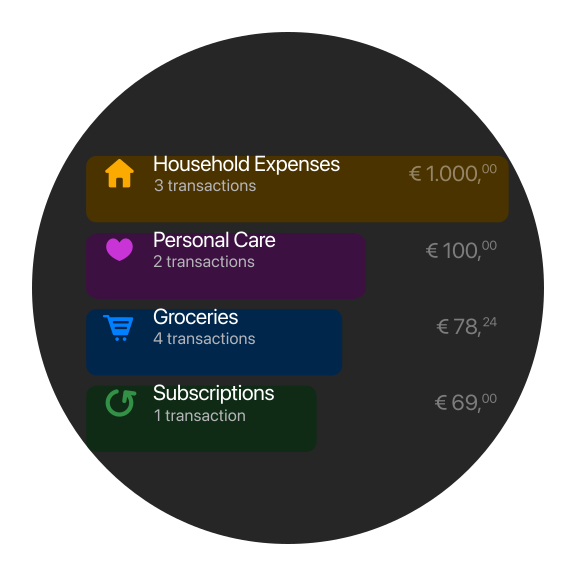
See spending across all your accounts
Track trends, compare categories, and connect bunq and external Bank Accounts for one view of your money.
See spending across all your accounts
Track trends, compare categories, and connect bunq and external Bank Accounts for one view of your money.
Budget together with a Joint Account
Share a Joint Account, set joint Spending Limits, and save together in a Joint Savings Account—with cards linked to the same balance.
Budget together with a Joint Account
Share a Joint Account, set joint Spending Limits, and save together in a Joint Savings Account—with cards linked to the same balance.
Budget together with a Joint Account
Share a Joint Account, set joint Spending Limits, and save together in a Joint Savings Account—with cards linked to the same balance.
Choose your personal plan
Start simple. Upgrade when you need more savings, spending, and travel tools.
Choose your personal plan
Start simple. Upgrade when you need more savings, spending, and travel tools.
Choose your personal plan
Start simple. Upgrade when you need more savings, spending, and travel tools.
Bank Account questions answered
Opening accounts, Joint Accounts, savings, and deposit protection.
We use fraud monitoring, strong login controls, and extra safeguards when something looks off. Instant Notifications alert you to payments so you can act quickly.
Yes! With bunq Pro or bunq Elite, you can open up to 25 bank accounts, including multiple Savings Accounts with their own IBANs.
Name accounts for goals and group them so your savings stay easy to scan.
Yes. bunq Joint Accounts let you share a payment account with up to nine other co-owners. Everyone can access the account from their own bunq app and gets Instant Notifications for transactions.
Yes. bunq Free has no monthly plan fee. Download the app, sign up in minutes, and add funds whenever you like. Some actions use Free-tier limits; upgrade to Core, Pro, or Elite when you need more.
On Home, tap Add an Extra Bank Account, choose the account type, name it, and get a dedicated IBAN. Open each account’s Settings to personalize, reorder, archive, or link cards.
Bank Account questions answered
Opening accounts, Joint Accounts, savings, and deposit protection.
You’ll need a smartphone with the bunq app, a supported ID, a residential address in a supported EEA country, and your Tax Identification Number (TIN). Signup is fully digital and designed to take about five minutes.
We use fraud monitoring, strong login controls, and extra safeguards when something looks off. Instant Notifications alert you to payments so you can act quickly.
Yes! With bunq Pro or bunq Elite, you can open up to 25 bank accounts, including multiple Savings Accounts with their own IBANs.
Name accounts for goals and group them so your savings stay easy to scan.
Yes. bunq Joint Accounts let you share a payment account with up to nine other co-owners. Everyone can access the account from their own bunq app and gets Instant Notifications for transactions.
Yes. bunq Free has no monthly plan fee. Download the app, sign up in minutes, and add funds whenever you like. Some actions use Free-tier limits; upgrade to Core, Pro, or Elite when you need more.
On Home, tap Add an Extra Bank Account, choose the account type, name it, and get a dedicated IBAN. Open each account’s Settings to personalize, reorder, archive, or link cards.
Bank Account questions answered
Opening accounts, Joint Accounts, savings, and deposit protection.
You’ll need a smartphone with the bunq app, a supported ID, a residential address in a supported EEA country, and your Tax Identification Number (TIN). Signup is fully digital and designed to take about five minutes.
We use fraud monitoring, strong login controls, and extra safeguards when something looks off. Instant Notifications alert you to payments so you can act quickly.
Yes! With bunq Pro or bunq Elite, you can open up to 25 bank accounts, including multiple Savings Accounts with their own IBANs.
Name accounts for goals and group them so your savings stay easy to scan.
Yes. bunq Joint Accounts let you share a payment account with up to nine other co-owners. Everyone can access the account from their own bunq app and gets Instant Notifications for transactions.
Yes. bunq Free has no monthly plan fee. Download the app, sign up in minutes, and add funds whenever you like. Some actions use Free-tier limits; upgrade to Core, Pro, or Elite when you need more.
On Home, tap Add an Extra Bank Account, choose the account type, name it, and get a dedicated IBAN. Open each account’s Settings to personalize, reorder, archive, or link cards.
Open your Personal Account today
Create Bank Accounts and start organizing your money in minutes.
Open your Personal Account today
Create Bank Accounts and start organizing your money in minutes.
Open your Personal Account today
Create Bank Accounts and start organizing your money in minutes.
Related articles
More guides on banking with bunq.



Related articles
More guides on banking with bunq.
Related articles
More guides on banking with bunq.