The bunq Card lets you pay in stores and online, add cards to Apple Pay or Google Pay, and link each card to a Bank Account for clearer budgeting. Depending on your plan, you can create multiple Digital Cards and Physical Cards, check the app for your current limits.
Pay with Apple Pay
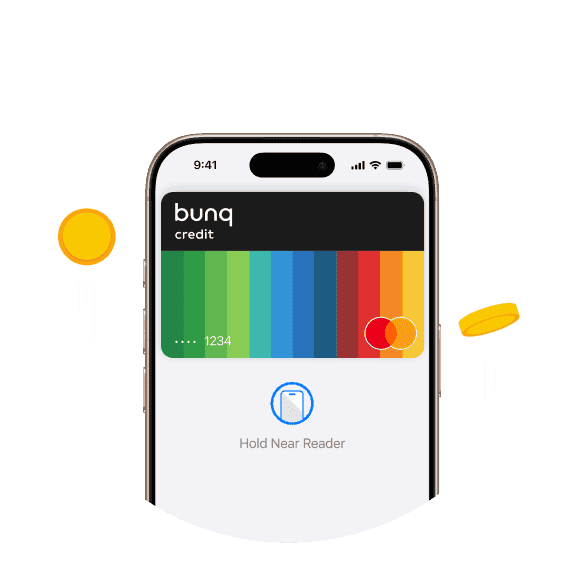
Add your bunq card to iPhone or Apple Watch and pay in stores, apps, and online—often before your physical card arrives.
Pay with Apple Pay
Add your bunq card to iPhone or Apple Watch and pay in stores, apps, and online—often before your physical card arrives.
Pay with Apple Pay
Add your bunq card to iPhone or Apple Watch and pay in stores, apps, and online—often before your physical card arrives.
Add your Credit Card in seconds
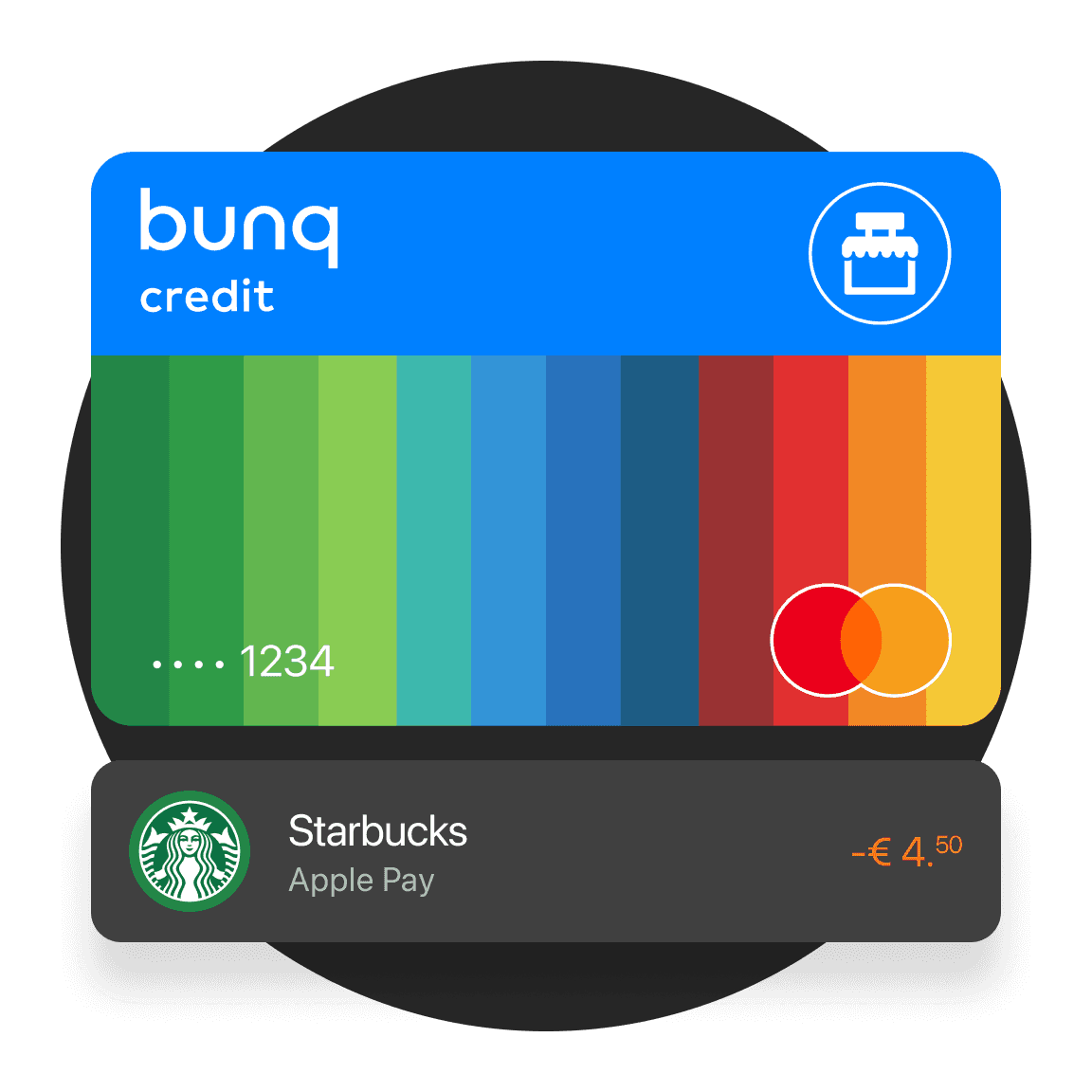
Create a Credit Card in the app, top it up, and add it to Apple Pay the same day. No interest fees or annual charges.
Add your Credit Card in seconds
Create a Credit Card in the app, top it up, and add it to Apple Pay the same day. No interest fees or annual charges.
Add your Credit Card in seconds
Create a Credit Card in the app, top it up, and add it to Apple Pay the same day. No interest fees or annual charges.
Get notified after every Apple Pay payment
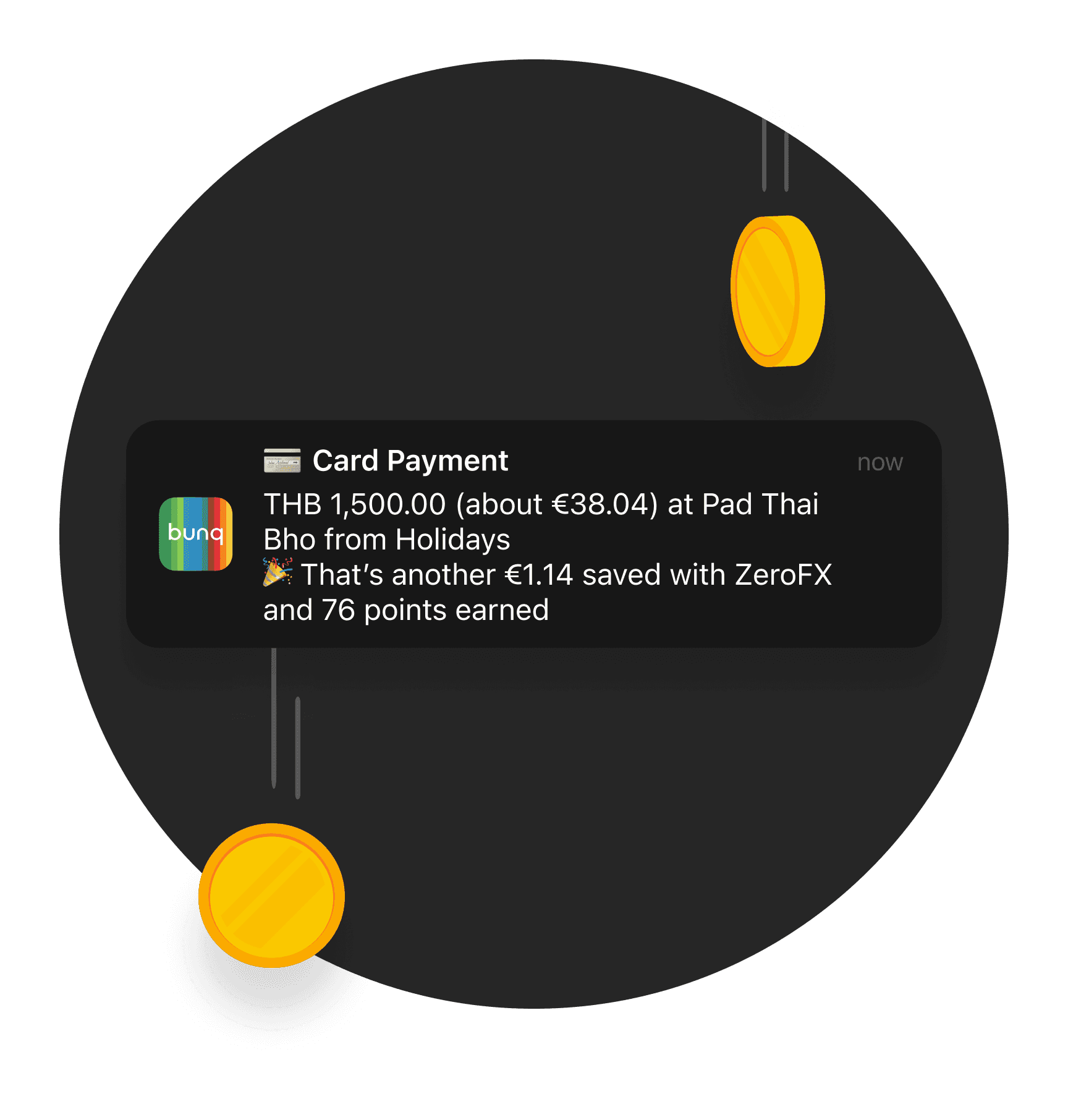
See exactly how much you saved, the points you earned, and which account was used the second you pay.
Get notified after every Apple Pay payment
See exactly how much you saved, the points you earned, and which account was used the second you pay.
Get notified after every Apple Pay payment
See exactly how much you saved, the points you earned, and which account was used the second you pay.
Risk indicator for this account
1 / 6
This number indicates the product's risk, where 1/6 indicates lower risk and 6/6 indicates higher risk.
bunq B.V. is a member of the Dutch Deposit Guarantee Fund. The maximum guaranteed amount is €100,000 per user.
Risk indicator for this account
1 / 6
This number indicates the product's risk, where 1/6 indicates lower risk and 6/6 indicates higher risk.
bunq B.V. is a member of the Dutch Deposit Guarantee Fund. The maximum guaranteed amount is €100,000 per user.
Risk indicator for this account
1 / 6
This number indicates the product's risk, where 1/6 indicates lower risk and 6/6 indicates higher risk.
bunq B.V. is a member of the Dutch Deposit Guarantee Fund. The maximum guaranteed amount is €100,000 per user.
Choose your personal plan
Start simple. Upgrade when you need more savings, spending, and travel tools.
Choose your personal plan
Start simple. Upgrade when you need more savings, spending, and travel tools.
Choose your personal plan
Start simple. Upgrade when you need more savings, spending, and travel tools.
Apple Pay questions answered
Adding cards, Digital Cards, and Credit Card vs Debit Card.
Getting a digital bunq Card is quick and easy, just a few taps in the bunq app. You can use it immediately with Apple Pay or Google Pay. Prefer a physical card? Order one through the app and have it delivered to your home.
Digital Cards exist only in the app or Wallet: spin up or delete them instantly if details leak, add them to Apple Pay or Google Pay, and isolate online spend from plastic.
Business plans include different digital-card bundles, Pro and Elite offer far more than Core or Free.
The Credit Card is accepted wherever Mastercard expects a credit line for holds, hotels, rentals, security deposits, while the Debit Card handles everyday spend everywhere else.
Bring the Credit Card when a merchant insists on credit; use Debit for most other payments.
On paid plans you can order Credit Cards within your included card allowance. bunq Free includes a Digital Card for Apple Pay or Google Pay; physical Credit Cards require a paid plan.
Open the Cards tab, select your card, then go to Settings and tap Set up Apple Pay or Set up Google Pay. Follow the prompts, your Digital or Physical Card is ready for contactless payments in seconds.
Apple Pay questions answered
Adding cards, Digital Cards, and Credit Card vs Debit Card.
The bunq Card lets you pay in stores and online, add cards to Apple Pay or Google Pay, and link each card to a Bank Account for clearer budgeting. Depending on your plan, you can create multiple Digital Cards and Physical Cards, check the app for your current limits.
Getting a digital bunq Card is quick and easy, just a few taps in the bunq app. You can use it immediately with Apple Pay or Google Pay. Prefer a physical card? Order one through the app and have it delivered to your home.
Digital Cards exist only in the app or Wallet: spin up or delete them instantly if details leak, add them to Apple Pay or Google Pay, and isolate online spend from plastic.
Business plans include different digital-card bundles, Pro and Elite offer far more than Core or Free.
The Credit Card is accepted wherever Mastercard expects a credit line for holds, hotels, rentals, security deposits, while the Debit Card handles everyday spend everywhere else.
Bring the Credit Card when a merchant insists on credit; use Debit for most other payments.
On paid plans you can order Credit Cards within your included card allowance. bunq Free includes a Digital Card for Apple Pay or Google Pay; physical Credit Cards require a paid plan.
Open the Cards tab, select your card, then go to Settings and tap Set up Apple Pay or Set up Google Pay. Follow the prompts, your Digital or Physical Card is ready for contactless payments in seconds.
Apple Pay questions answered
Adding cards, Digital Cards, and Credit Card vs Debit Card.
The bunq Card lets you pay in stores and online, add cards to Apple Pay or Google Pay, and link each card to a Bank Account for clearer budgeting. Depending on your plan, you can create multiple Digital Cards and Physical Cards, check the app for your current limits.
Getting a digital bunq Card is quick and easy, just a few taps in the bunq app. You can use it immediately with Apple Pay or Google Pay. Prefer a physical card? Order one through the app and have it delivered to your home.
Digital Cards exist only in the app or Wallet: spin up or delete them instantly if details leak, add them to Apple Pay or Google Pay, and isolate online spend from plastic.
Business plans include different digital-card bundles, Pro and Elite offer far more than Core or Free.
The Credit Card is accepted wherever Mastercard expects a credit line for holds, hotels, rentals, security deposits, while the Debit Card handles everyday spend everywhere else.
Bring the Credit Card when a merchant insists on credit; use Debit for most other payments.
On paid plans you can order Credit Cards within your included card allowance. bunq Free includes a Digital Card for Apple Pay or Google Pay; physical Credit Cards require a paid plan.
Open the Cards tab, select your card, then go to Settings and tap Set up Apple Pay or Set up Google Pay. Follow the prompts, your Digital or Physical Card is ready for contactless payments in seconds.
Open your Personal Account today
Add your card to Apple Pay in minutes.
Open your Personal Account today
Add your card to Apple Pay in minutes.
Open your Personal Account today
Add your card to Apple Pay in minutes.
Related articles
More guides on banking with bunq.


Related articles
More guides on banking with bunq.
Related articles
More guides on banking with bunq.