Very easy and versatile bank, regarding investment and savings and other things. 10 out of 10. And not that expensive.
Lrv_98
App Store
Pay suppliers, invoice clients, and automate recurring transfers from one Business Account in the bunq app.

Pay suppliers, invoice clients, and automate recurring transfers from one Business Account in the bunq app.
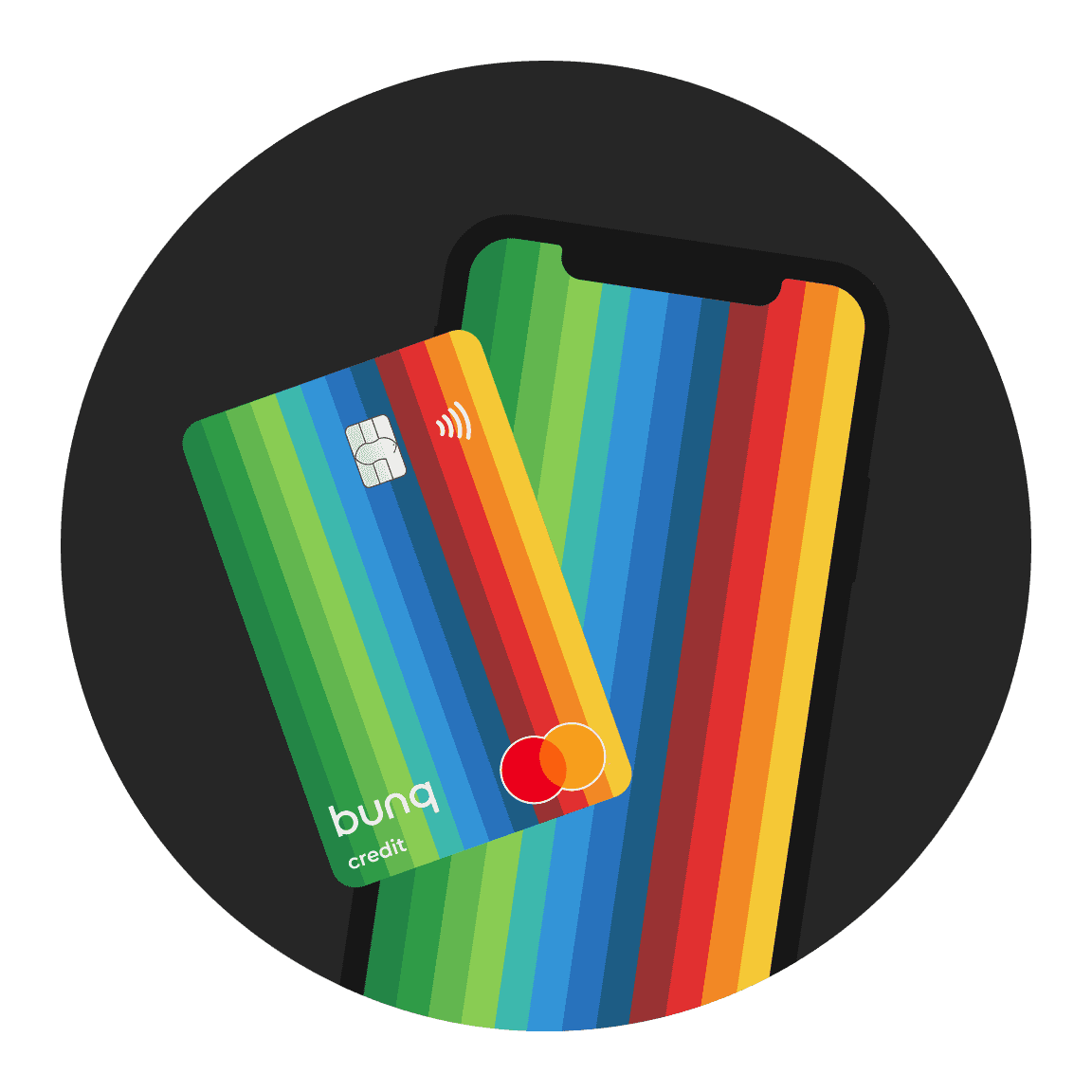
Pay suppliers, invoice clients, and automate recurring transfers from one Business Account in the bunq app.
What bunq users say about banking with us.
Very easy and versatile bank, regarding investment and savings and other things. 10 out of 10. And not that expensive.
Lrv_98
App Store
bunq is a great bank, I can use the card inclusiv credit card to pay worldwide. bunq offers a great service, and great support, I am feally happy with bunq
olivereng20
Super easy to use helps me budget, pay bills,save for goals, and even invest.It's changed how I handle money!
Mustafa
Google Play
What bunq users say about banking with us.
Very easy and versatile bank, regarding investment and savings and other things. 10 out of 10. And not that expensive.
Lrv_98
App Store
bunq is a great bank, I can use the card inclusiv credit card to pay worldwide. bunq offers a great service, and great support, I am feally happy with bunq
olivereng20
Super easy to use helps me budget, pay bills,save for goals, and even invest.It's changed how I handle money!
Mustafa
Google Play
What bunq users say about banking with us.
Very easy and versatile bank, regarding investment and savings and other things. 10 out of 10. And not that expensive.
Lrv_98
App Store
bunq is a great bank, I can use the card inclusiv credit card to pay worldwide. bunq offers a great service, and great support, I am feally happy with bunq
olivereng20
Super easy to use helps me budget, pay bills,save for goals, and even invest.It's changed how I handle money!
Mustafa
Google Play
Fees are shown upfront on every payment. Instant Payment and international transfer limits vary by plan.

Fees are shown upfront on every payment. Instant Payment and international transfer limits vary by plan.

Fees are shown upfront on every payment. Instant Payment and international transfer limits vary by plan.
Euro payments reach the recipient in seconds on the instant payment network. No waiting.
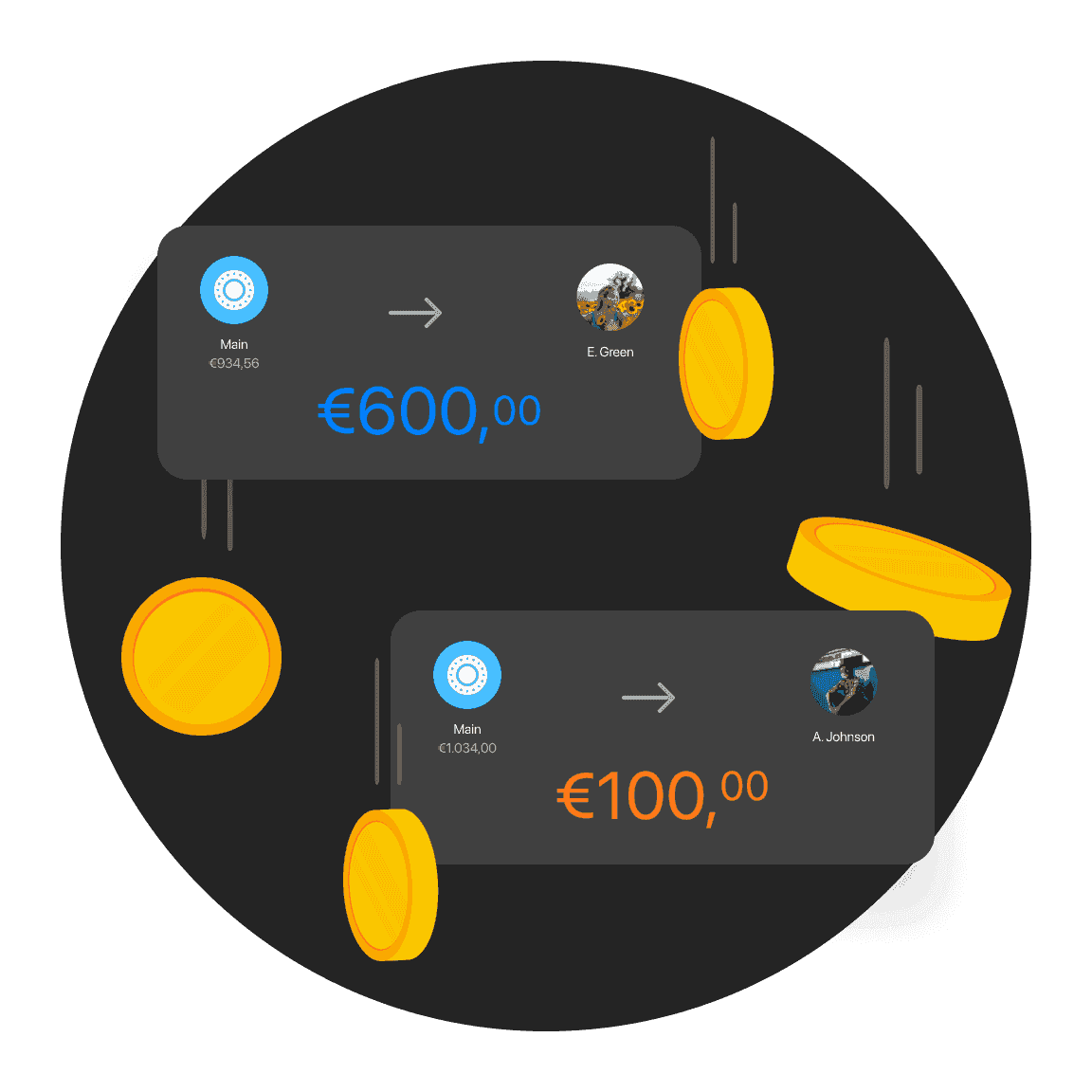
Euro payments reach the recipient in seconds on the instant payment network. No waiting.
Euro payments reach the recipient in seconds on the instant payment network. No waiting.
Set rent, payroll, or supplier bills to be paid automatically. Choose frequency, limits, or an end date in the app.
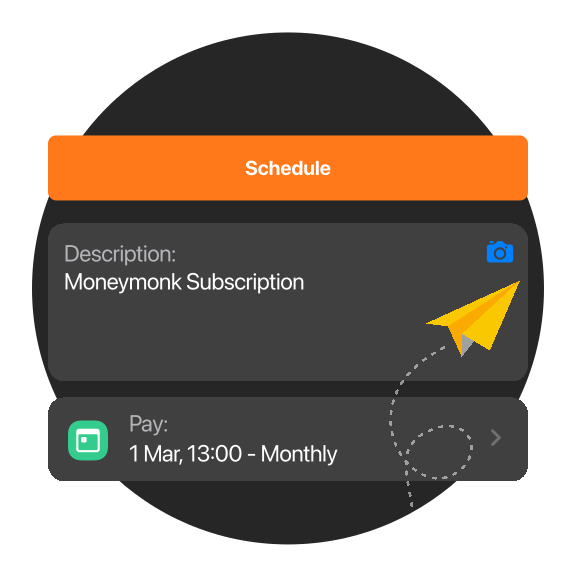
Set rent, payroll, or supplier bills to be paid automatically. Choose frequency, limits, or an end date in the app.
Set rent, payroll, or supplier bills to be paid automatically. Choose frequency, limits, or an end date in the app.
Send a payment request from bunq and track when it is paid. Useful for invoices, reimbursements, and shared costs.
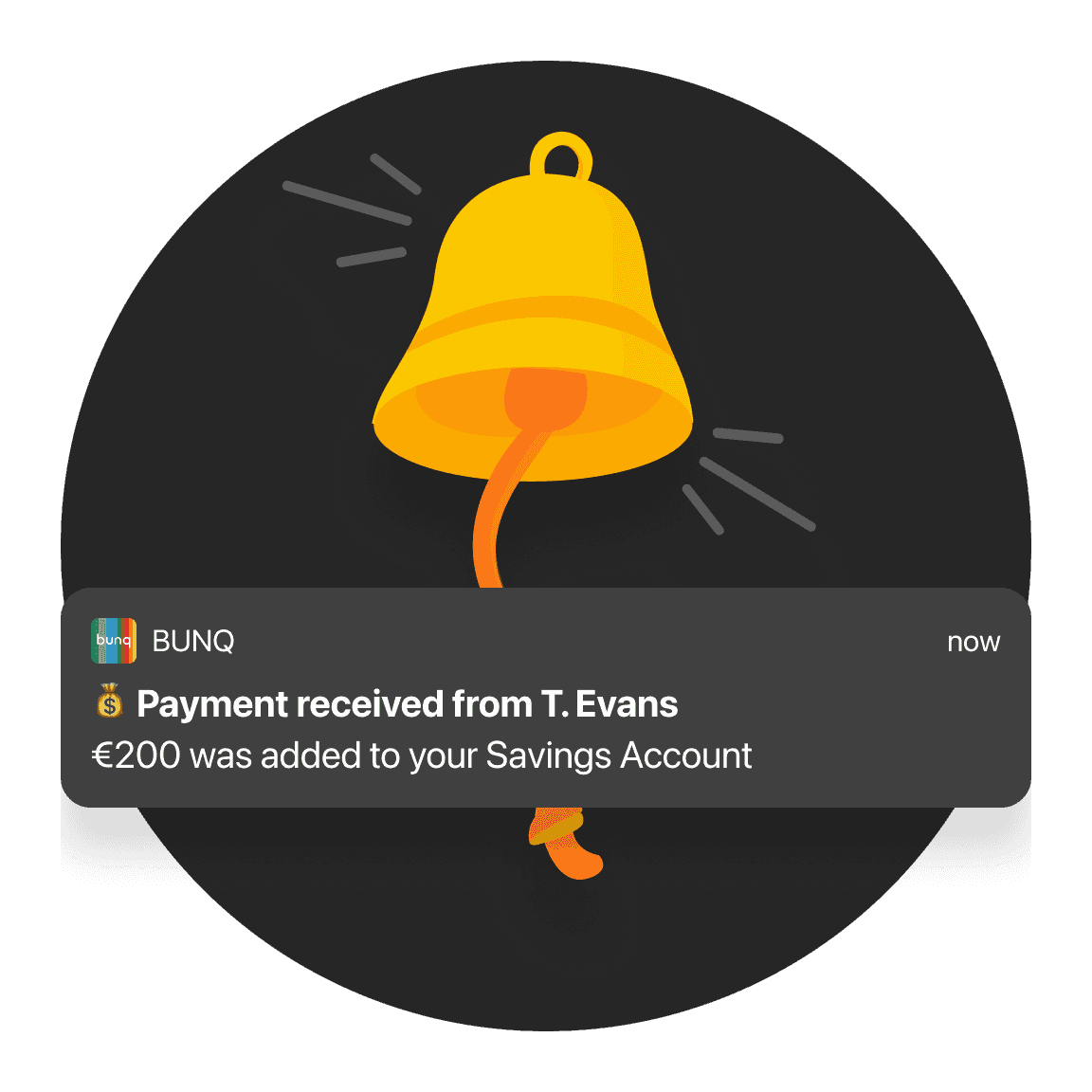
Send a payment request from bunq and track when it is paid. Useful for invoices, reimbursements, and shared costs.
Send a payment request from bunq and track when it is paid. Useful for invoices, reimbursements, and shared costs.
Add your bunq.me link or QR code to invoices, your website, or social media. Customers pay from any bank, in any currency, and you see who still has to pay in one overview.

Add your bunq.me link or QR code to invoices, your website, or social media. Customers pay from any bank, in any currency, and you see who still has to pay in one overview.
Add your bunq.me link or QR code to invoices, your website, or social media. Customers pay from any bank, in any currency, and you see who still has to pay in one overview.
Wrong charge or failed payment? Open the transaction in the bunq app, submit a Refund Request, and we handle the rest.
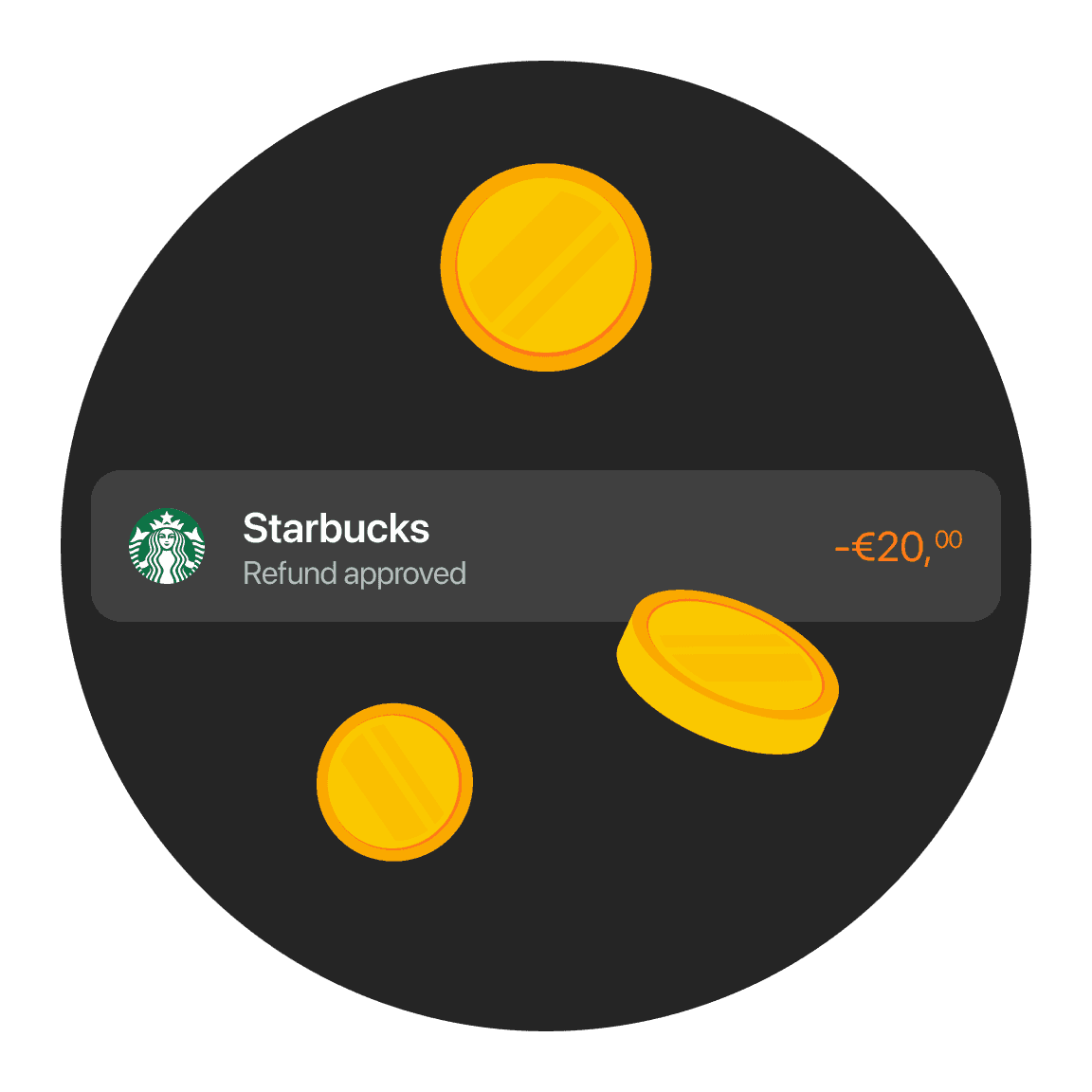
Wrong charge or failed payment? Open the transaction in the bunq app, submit a Refund Request, and we handle the rest.
Wrong charge or failed payment? Open the transaction in the bunq app, submit a Refund Request, and we handle the rest.
Split income by percentage or fixed amount into Bank Accounts or external IBANs. Similar payments follow the same rules automatically.
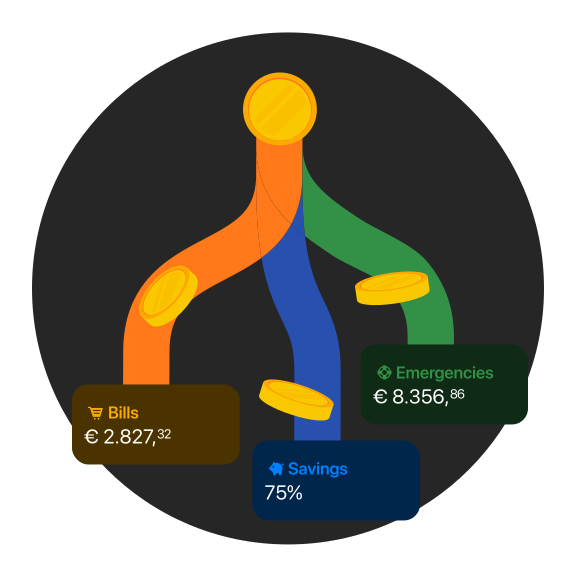
Split income by percentage or fixed amount into Bank Accounts or external IBANs. Similar payments follow the same rules automatically.
Split income by percentage or fixed amount into Bank Accounts or external IBANs. Similar payments follow the same rules automatically.
Set how often you ask for a payment, when requests stop, and how many to send. Clients get the same clear request each time.
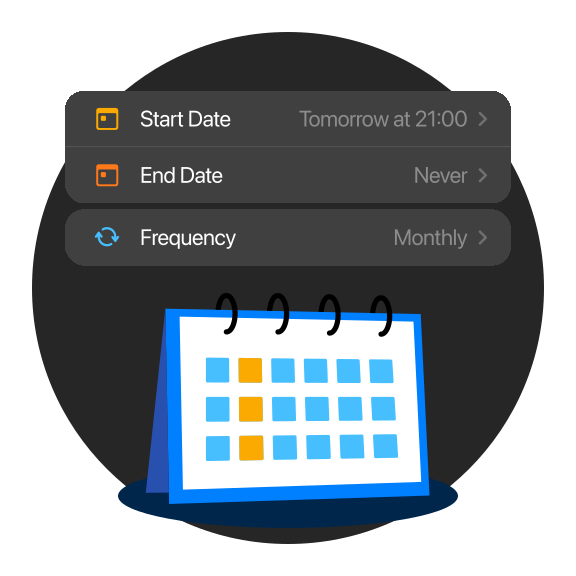
Set how often you ask for a payment, when requests stop, and how many to send. Clients get the same clear request each time.
Set how often you ask for a payment, when requests stop, and how many to send. Clients get the same clear request each time.
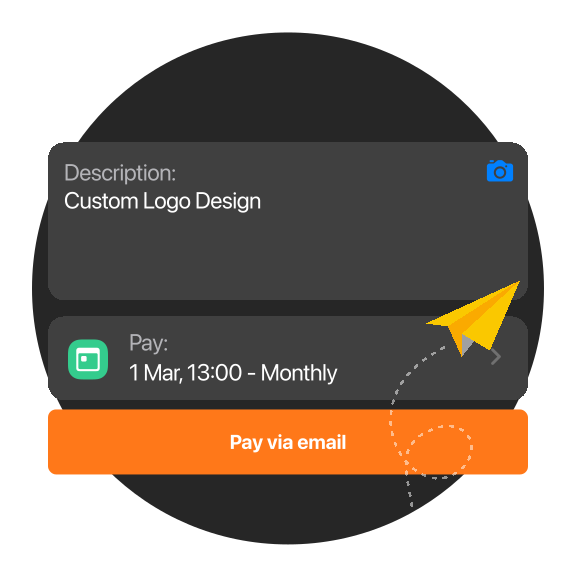
Send money with bunq.to using a phone number or email. The recipient chooses which account receives the payment.
Send money with bunq.to using a phone number or email. The recipient chooses which account receives the payment.
Send money with bunq.to using a phone number or email. The recipient chooses which account receives the payment.
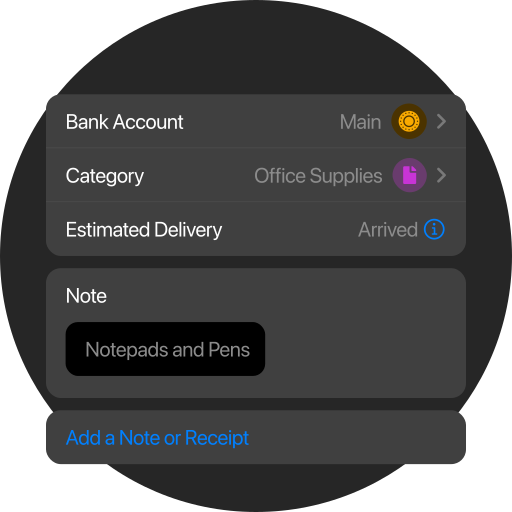
Attach context to any transaction so you and your accountant can find payments later without searching.
Attach context to any transaction so you and your accountant can find payments later without searching.
Attach context to any transaction so you and your accountant can find payments later without searching.
Try any plan free for 30 days. After that, you pay for your chosen plan unless you change or cancel it. Cancel anytime, for free.
€23.99
/month
Foreign Currencies, higher limits, and tools for cross-border work.
Try any plan free for 30 days. After that, you pay for your chosen plan unless you change or cancel it. Cancel anytime, for free.
€23.99
/month
Foreign Currencies, higher limits, and tools for cross-border work.
Try any plan free for 30 days. After that, you pay for your chosen plan unless you change or cancel it. Cancel anytime, for free.
€23.99
/month
Foreign Currencies, higher limits, and tools for cross-border work.
Instant Payments, limits, Scheduled Payments, requests, and bunq.me.
Instant Payments are included with all Personal plans at no extra cost. Business plans include a set number of free instant transfers per year; see your plan for allowances and any fee after that.
Limits: €1,500 total per week on bunq.me; iDEAL up to €1,500 per day; Bancontact up to €1,000 per payment; cards €10–€500 per payment.
Fees: iDEAL and Bancontact receipts are free on Personal (€0.27 on Business). Card-funded bunq.me costs 2.5% on Personal and 2.5% + €0.27 on Business. See bunq.com pricing for the full table.
Limits depend on your plan, account type, and verification. Check Payments → Limits in the app for your current daily and per-transaction caps, they update when you upgrade or verify further.
Go to your Bank Account → Settings → Scheduled payments, then create a one-off or recurring payment with amount, recipient, and date. You can edit or cancel scheduled payments from the same screen.
From Home, tap Request, enter the amount and recipient, then send. You can also share a bunq.me link or QR so anyone can pay you by iDEAL, card, or other methods on your payment page.
Yes. SEPA Instant Payments reach participating banks in seconds (up to about 10 seconds) and work 24/7, including weekends. Send and receive from Payments; Business plans have yearly free allowances before per-transfer fees apply.
Instant Payments, limits, Scheduled Payments, requests, and bunq.me.
Instant Payments are included with all Personal plans at no extra cost. Business plans include a set number of free instant transfers per year; see your plan for allowances and any fee after that.
Limits: €1,500 total per week on bunq.me; iDEAL up to €1,500 per day; Bancontact up to €1,000 per payment; cards €10–€500 per payment.
Fees: iDEAL and Bancontact receipts are free on Personal (€0.27 on Business). Card-funded bunq.me costs 2.5% on Personal and 2.5% + €0.27 on Business. See bunq.com pricing for the full table.
Limits depend on your plan, account type, and verification. Check Payments → Limits in the app for your current daily and per-transaction caps, they update when you upgrade or verify further.
Go to your Bank Account → Settings → Scheduled payments, then create a one-off or recurring payment with amount, recipient, and date. You can edit or cancel scheduled payments from the same screen.
From Home, tap Request, enter the amount and recipient, then send. You can also share a bunq.me link or QR so anyone can pay you by iDEAL, card, or other methods on your payment page.
Yes. SEPA Instant Payments reach participating banks in seconds (up to about 10 seconds) and work 24/7, including weekends. Send and receive from Payments; Business plans have yearly free allowances before per-transfer fees apply.
Instant Payments, limits, Scheduled Payments, requests, and bunq.me.
Instant Payments are included with all Personal plans at no extra cost. Business plans include a set number of free instant transfers per year; see your plan for allowances and any fee after that.
Limits: €1,500 total per week on bunq.me; iDEAL up to €1,500 per day; Bancontact up to €1,000 per payment; cards €10–€500 per payment.
Fees: iDEAL and Bancontact receipts are free on Personal (€0.27 on Business). Card-funded bunq.me costs 2.5% on Personal and 2.5% + €0.27 on Business. See bunq.com pricing for the full table.
Limits depend on your plan, account type, and verification. Check Payments → Limits in the app for your current daily and per-transaction caps, they update when you upgrade or verify further.
Go to your Bank Account → Settings → Scheduled payments, then create a one-off or recurring payment with amount, recipient, and date. You can edit or cancel scheduled payments from the same screen.
From Home, tap Request, enter the amount and recipient, then send. You can also share a bunq.me link or QR so anyone can pay you by iDEAL, card, or other methods on your payment page.
Yes. SEPA Instant Payments reach participating banks in seconds (up to about 10 seconds) and work 24/7, including weekends. Send and receive from Payments; Business plans have yearly free allowances before per-transfer fees apply.
Start sending and requesting payments in minutes.
Start sending and requesting payments in minutes.
Start sending and requesting payments in minutes.
More guides on business banking with bunq.
More guides on business banking with bunq.
More guides on business banking with bunq.